
Media Attributes
Digital Attributes
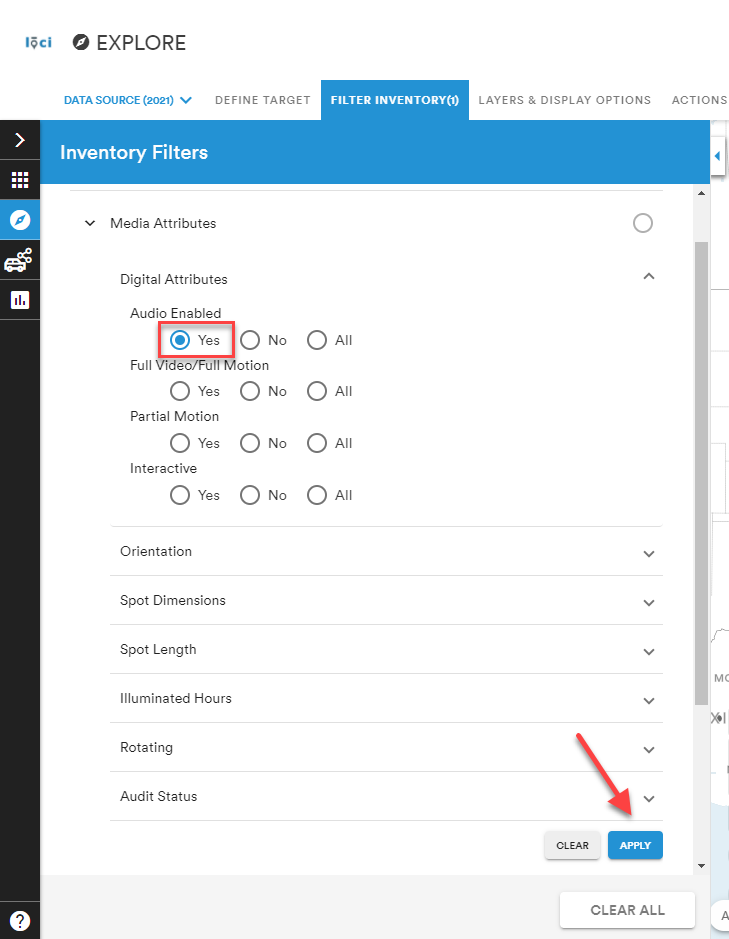
Use the Digital Attributes list to select the attributes of digital media. Select Yes under Audio Enabled to return only units that have audio as part of the media.
Orientation
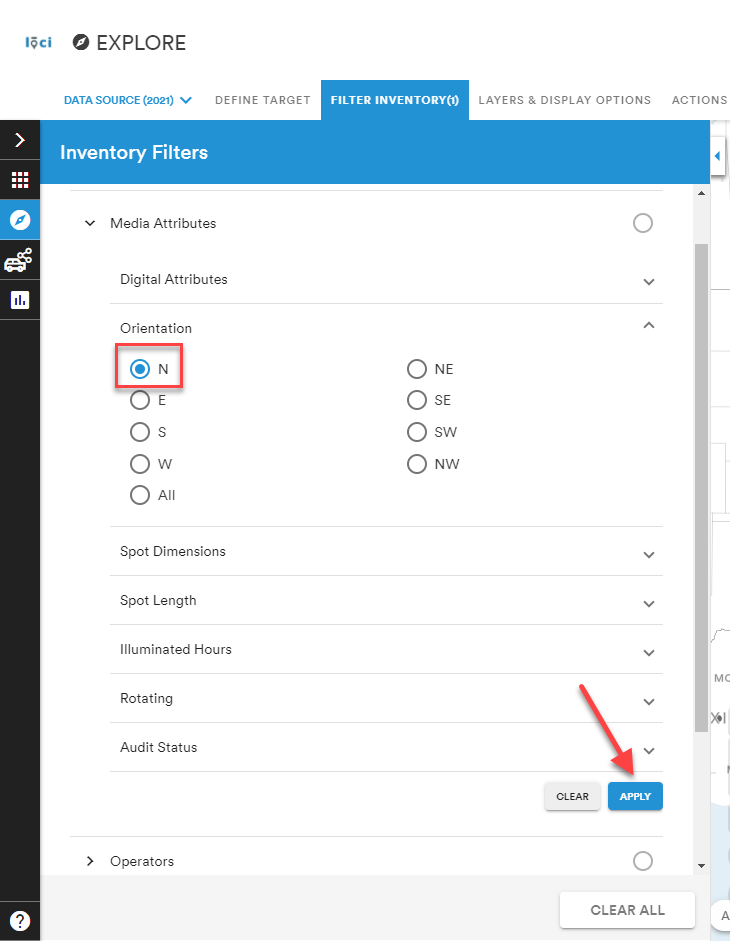
Use the Orientation attribute to select the orientation of media. Apply N as the orientation to show only units facing North.
Spot Dimensions
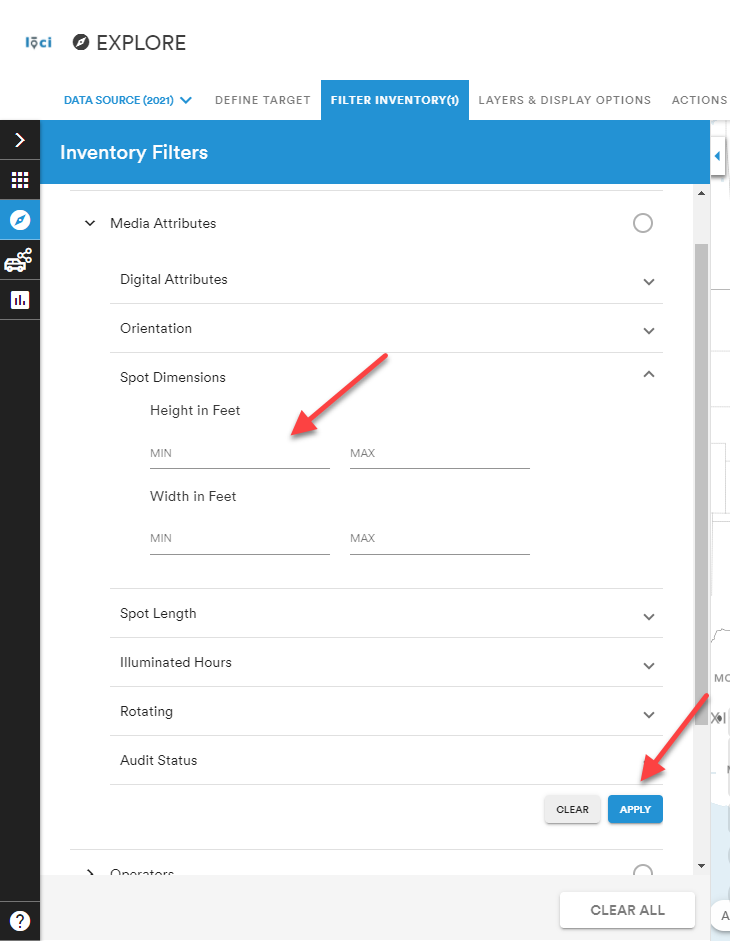
Use the Spot Dimensions attribute to show all units with a minimum and maximum Height and Width. Measurements are designated in Feet.
Spot Length
Use the Spot Length attribute to show all spots with a minimum and maximum duration. Measurements are designated in seconds.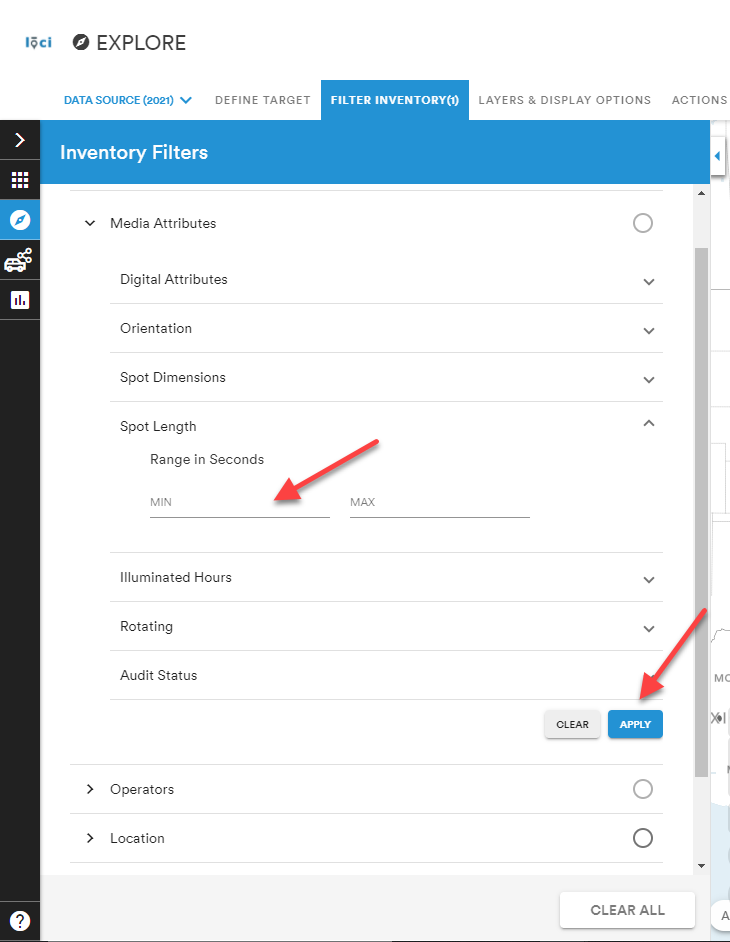
Illumination Hours
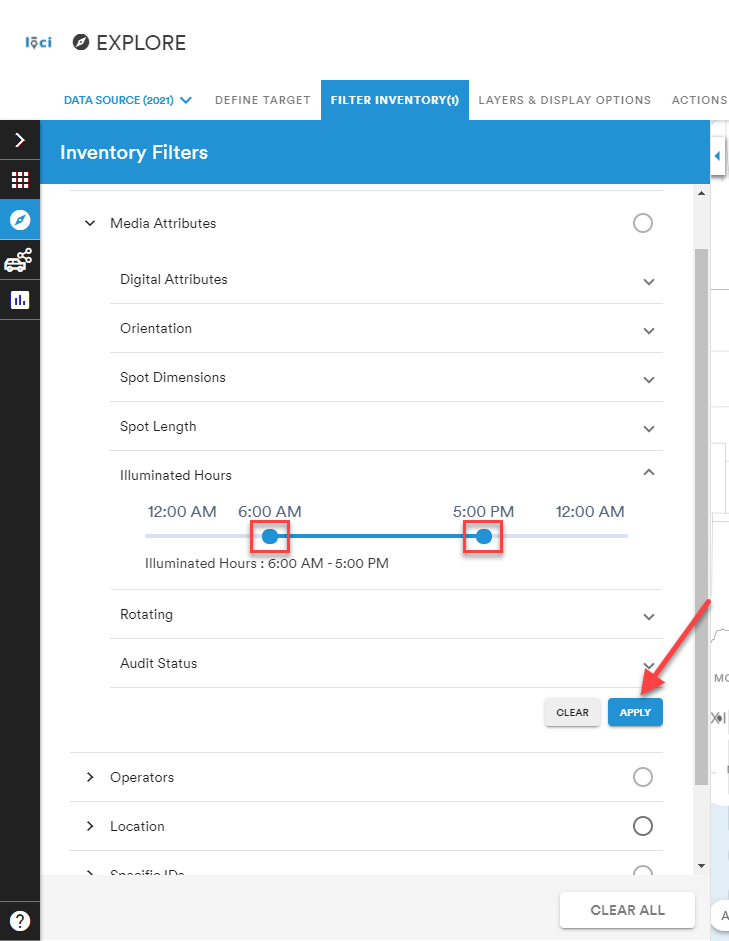
Use the Illumination Hours attribute to show all units that are displayed during a specific range of time. Measurements are selected on a sliding scale from 12:00 AM to 12:00 AM in one-hour increments.
Rotating
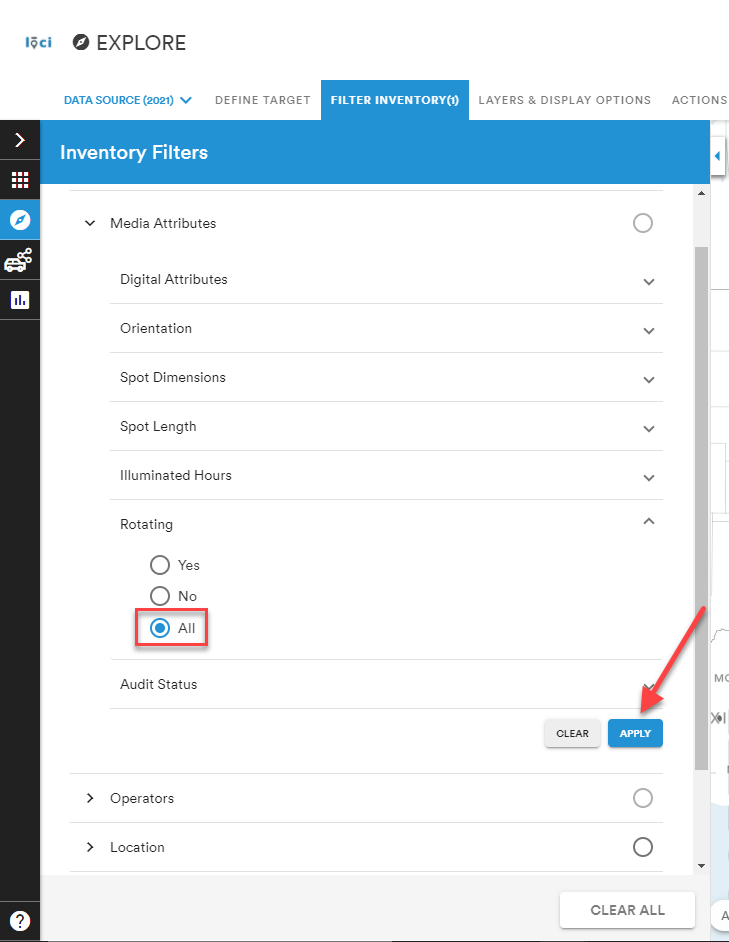
Use the Rotating attribute to show all units that physically rotate. Use the selection of All to choose both spots that rotate and spots that do not rotate.
Audit Status
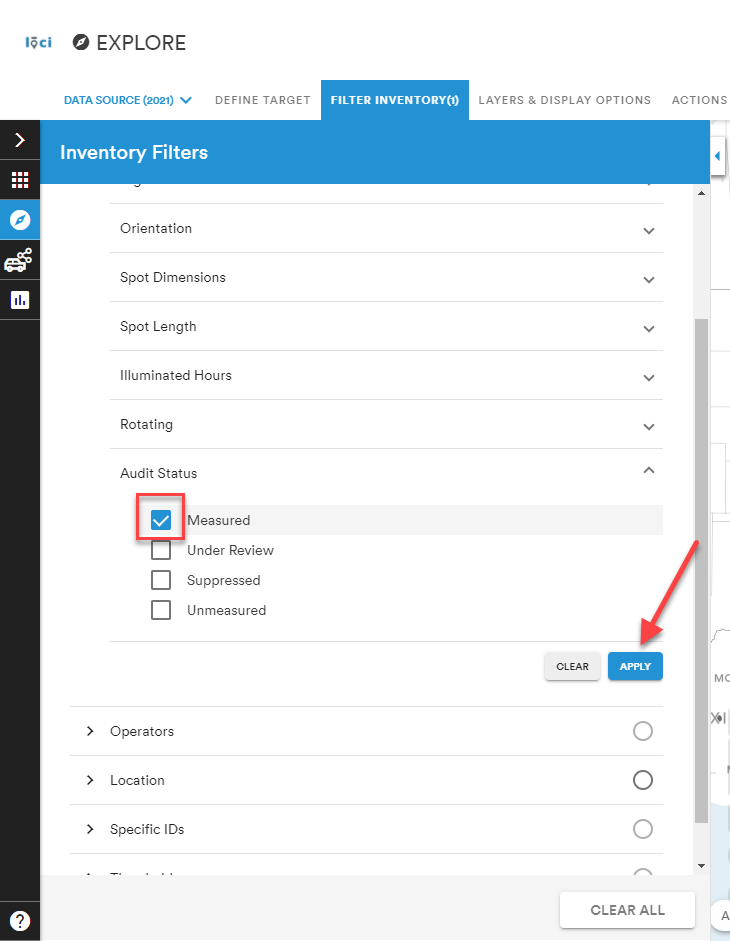
Use the Audit Status attribute to show only units with one of four specific audit statuses: Measured, Under Reviewed, Suppressed, or Unmeasured.
Comments
0 comments
Please sign in to leave a comment.