
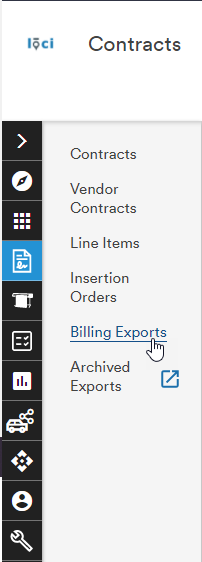
As a job moves through its lifecycle, users can search for and access line items to prepare them for the billing process via Billing Exports
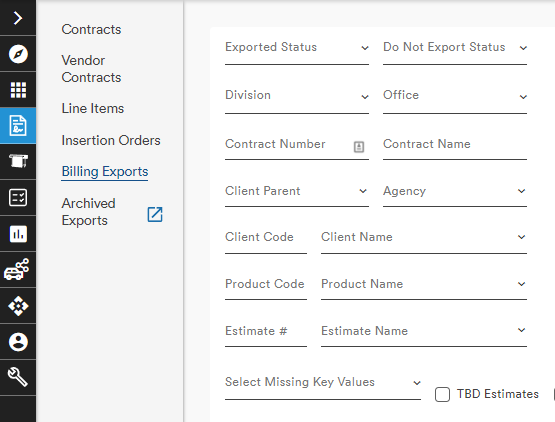
The Billing Exports module is comprised of several dropdown menus, entry fields, date pickers, and checkboxes to allow OMG to manage the search & status updates critical to the Billing Export tasks.
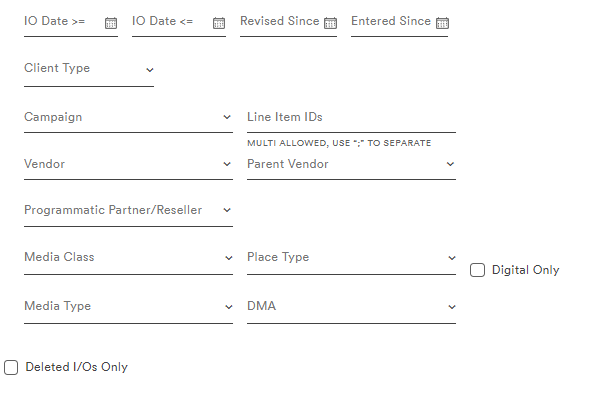
Once search criteria have been entered, clicking the Search button loads the relevant line items in the table
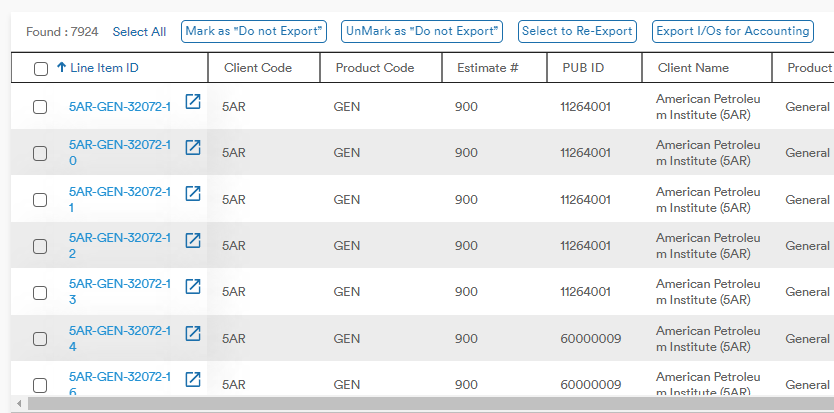
Selecting the Line Item ID opens the Line Item record on the Billing Exports page
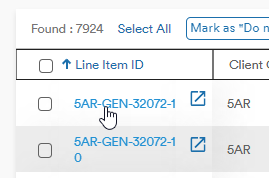
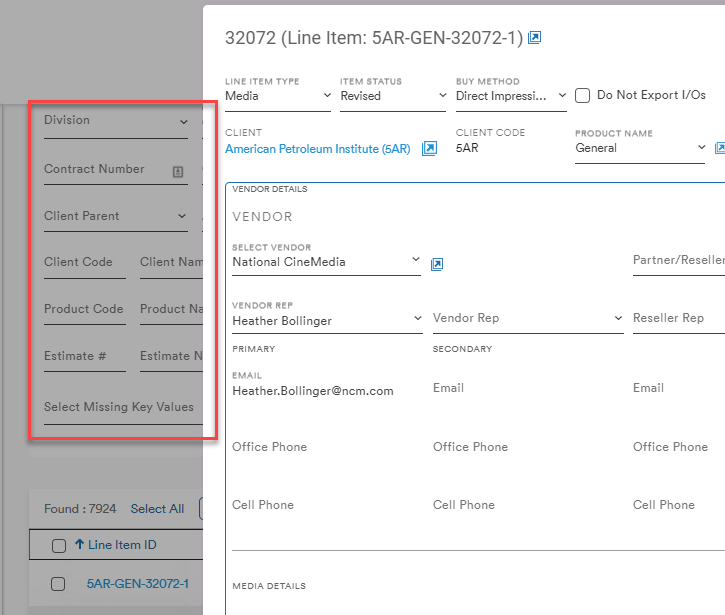
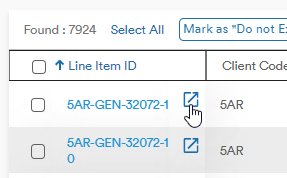
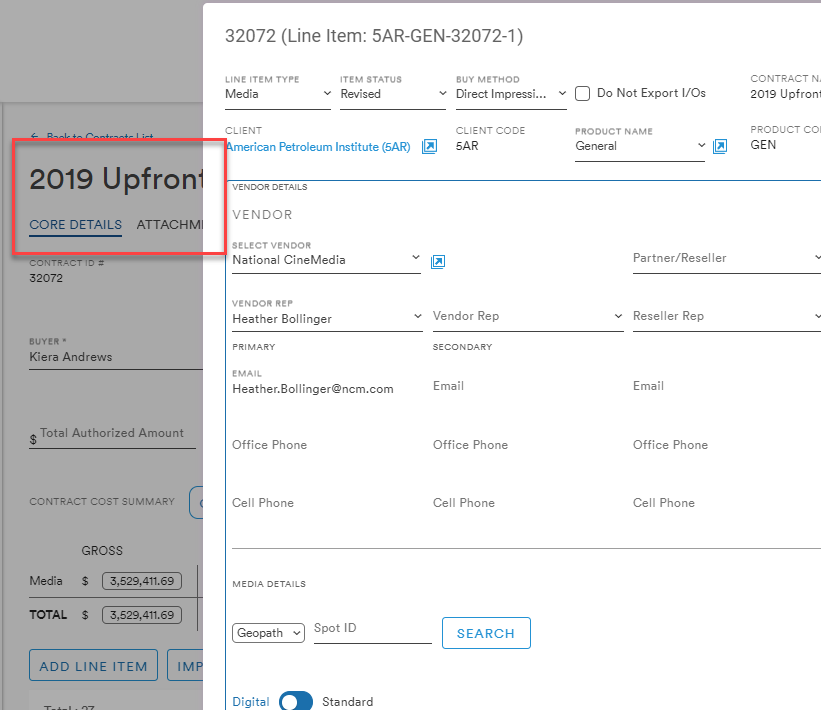
Selecting the Open Externally button opens the associated contract record in a new browser tab with the Line Item record expanded
On the top row of the Line Item table there are 7 buttons:
- Select All
- Mark as "Do not Export"
- UnMark as "Do not Export"
- Select to Re-Export
- Export I/Os for Accounting
- Customize Columns
- Expand Table

Select All
This button allows the user to choose all of the Line Items in the list to edit in bulk. The button becomes Deselect All when all checkboxes are ticked and Select All when only selected Lines are ticked
select all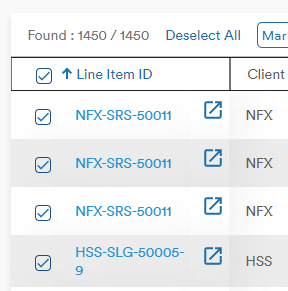 partial selection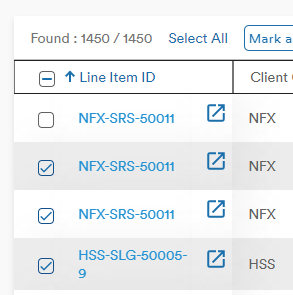
Mark as "Do not Export" & UnMark as "Do not Export"
If a specific Line Item does not need to be exported, checking its box and clicking Mark as "Do not Export" will populate a "Yes" in the Do Not Export columns
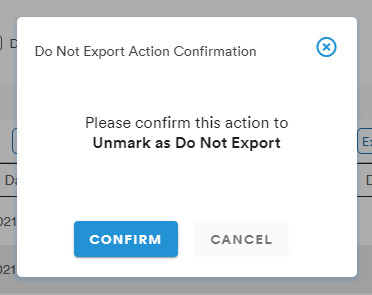
Clicking UnMark as "Do not Export" will remove the "Yes" from the Do Not Export column
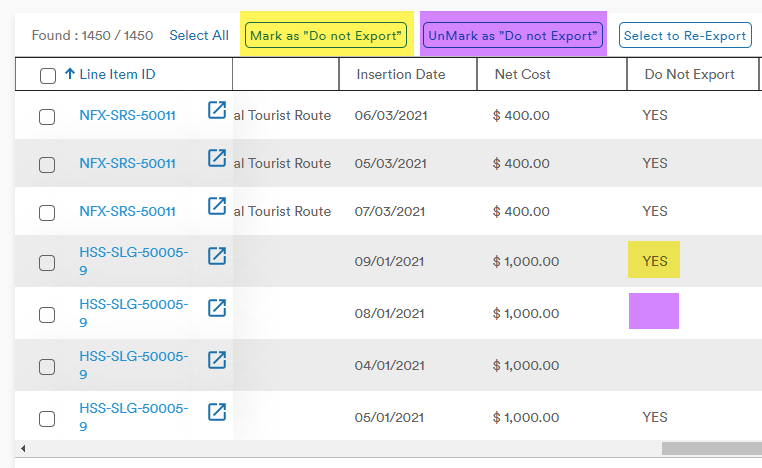
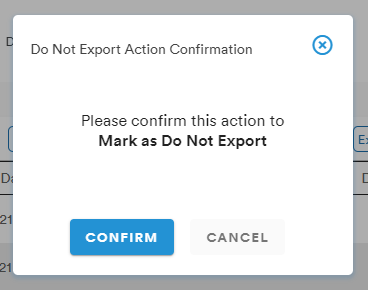
Both options present the user with a confirmation warning before applying the change
Select to Re-Export
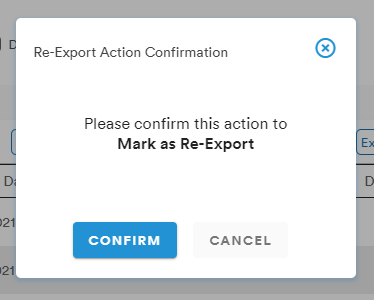
If a line item has been previously exported but needs to be exported again, the user can
Export I/Os for Accounting
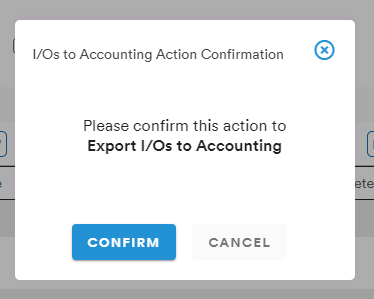
Once the desired line items have been selected, clicking the Export I/Os for Accounting button will initiate the exporting process with a confirmation message
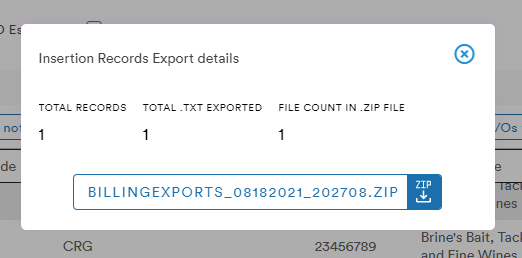
Selecting confirm brings up a modal from which the user can download the exported file and save it to their computer
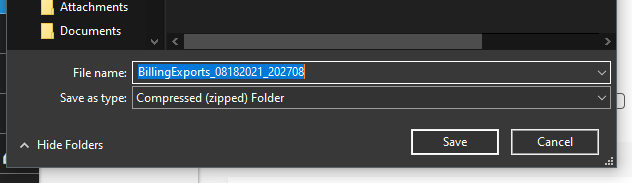
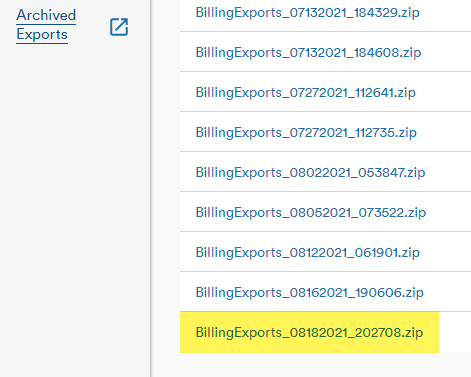
The file is also now available in the Archived Exports screen
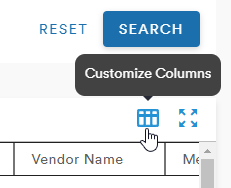
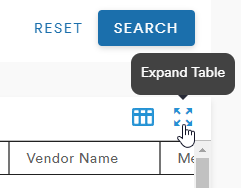
Customize Columns and Expand Table
There are also the familiar Customize Columns and Expand Table buttons
Comments
0 comments
Please sign in to leave a comment.