
If the user needs to look back and retrieve a past export, there is a function to search for Archived Exports
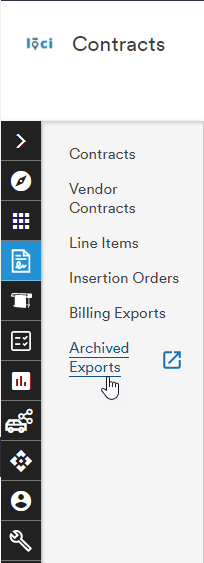
Selecting the Billing Exports button will open a new browser tab and display a searchable list of previous Billing Exports. These are exports the user has created in the past, based on their user ID. Other user's exports will not be universally visible
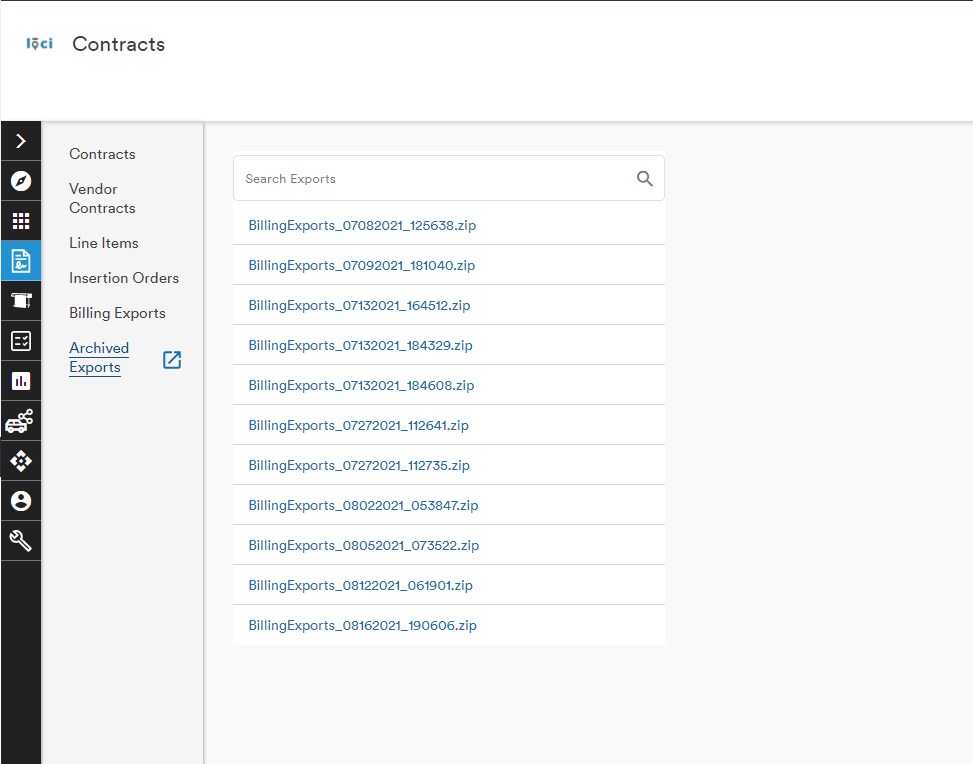
The search bar utilizes elastic searching so as the user types their search criterion, the list is narrowed down to relevant results
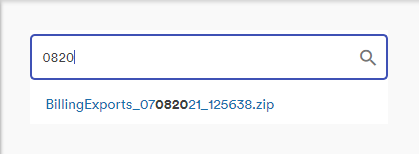
Exports have automatically created names based on their date and time format MMDDYYYY_HHMMSS. In the above example, searching for 0820 reduced the list to one export and emboldened the searched text
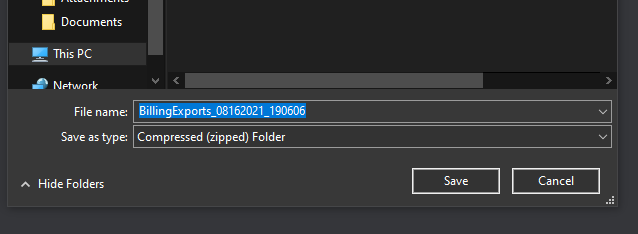
Selecting an Archived Export opens a new browser tab and the user's Save As dialog box to select a location for the file
Comments
0 comments
Please sign in to leave a comment.