
The Records Management module of Loci is where users will create and maintain the four core types of records:
- Vendors
- Clients
- Agencies
- Contacts
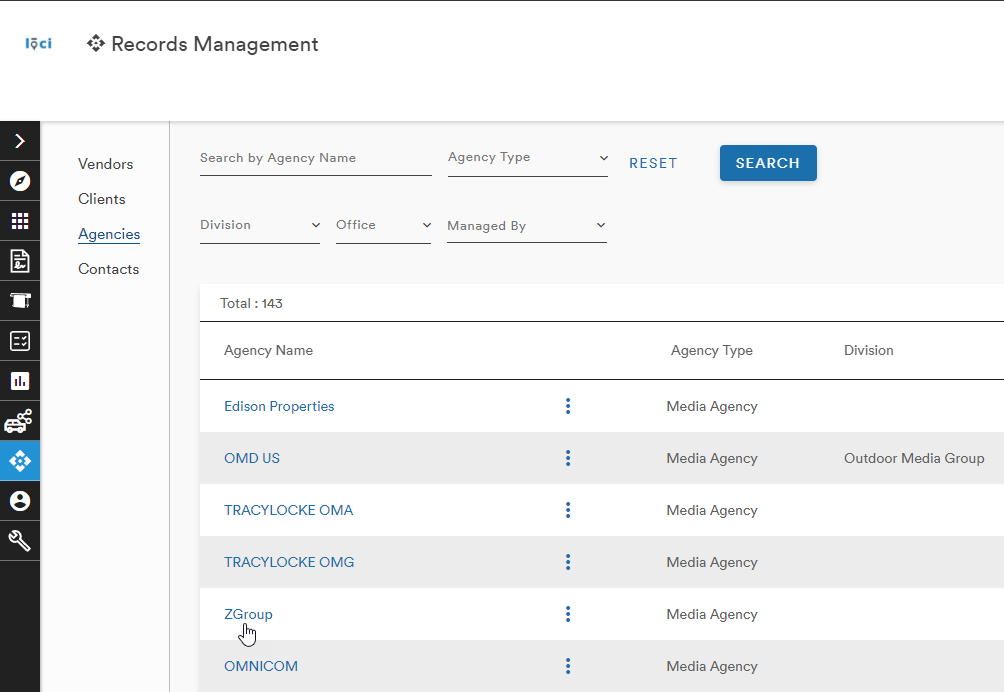
The third link takes users to the Agencies screen
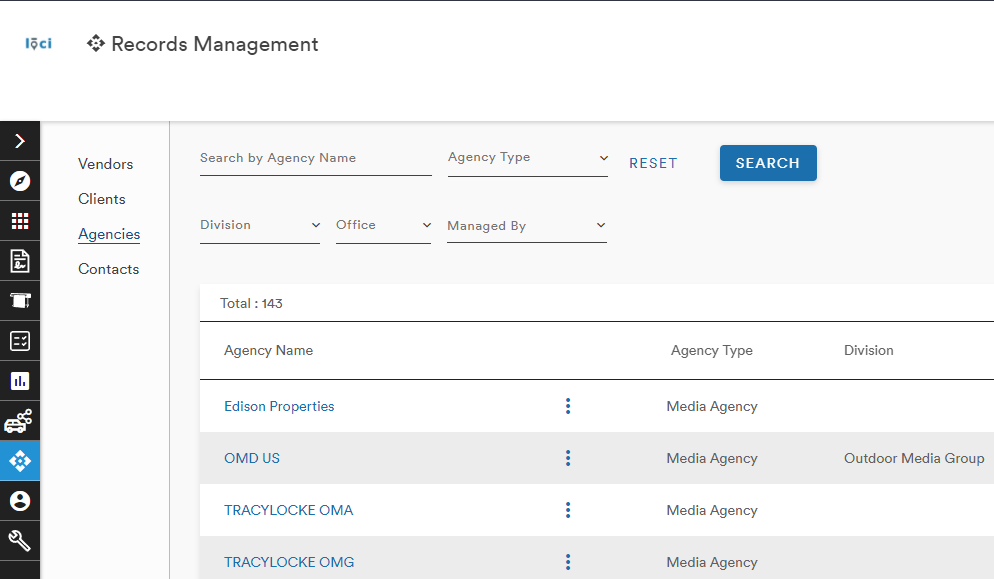
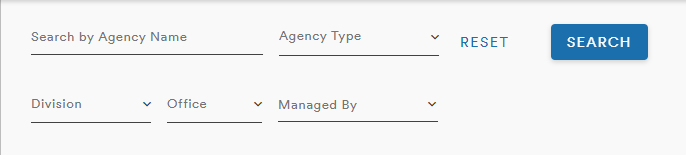
A menu at the top of the page allows users to search for Agencies based on Name, Type, Division, Office, and who manages the Agency
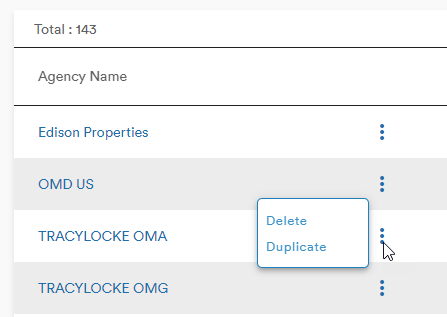
Next to each Agency Name is an action button (three stacked dots) that gives the users options to Duplicate or Delete the Agency record
Export
On the right side of the menu, users can export their filtered list of Agencies as a CSV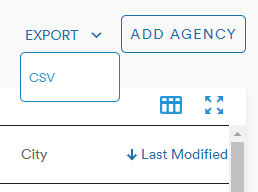
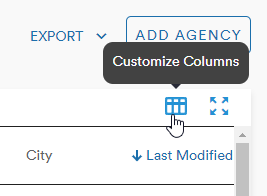
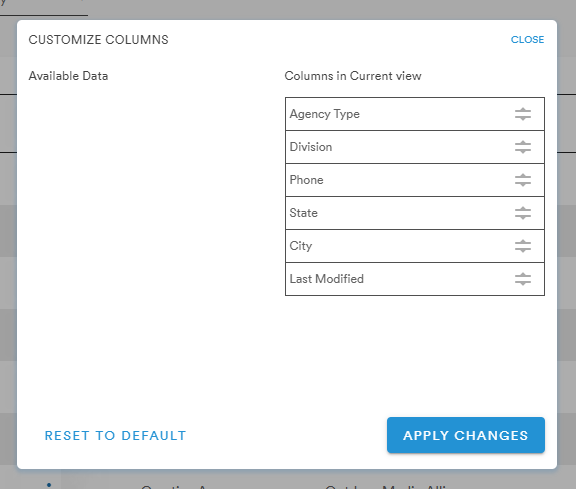
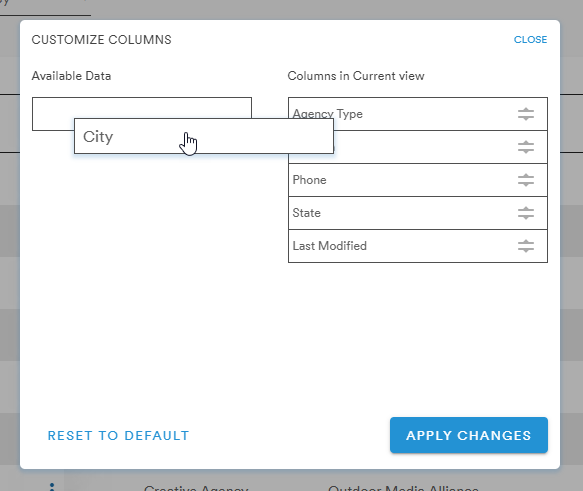
Customize Columns
The Customize Columns menu allows users to rearrange the table columns using a drag-and-drop selection for the data types
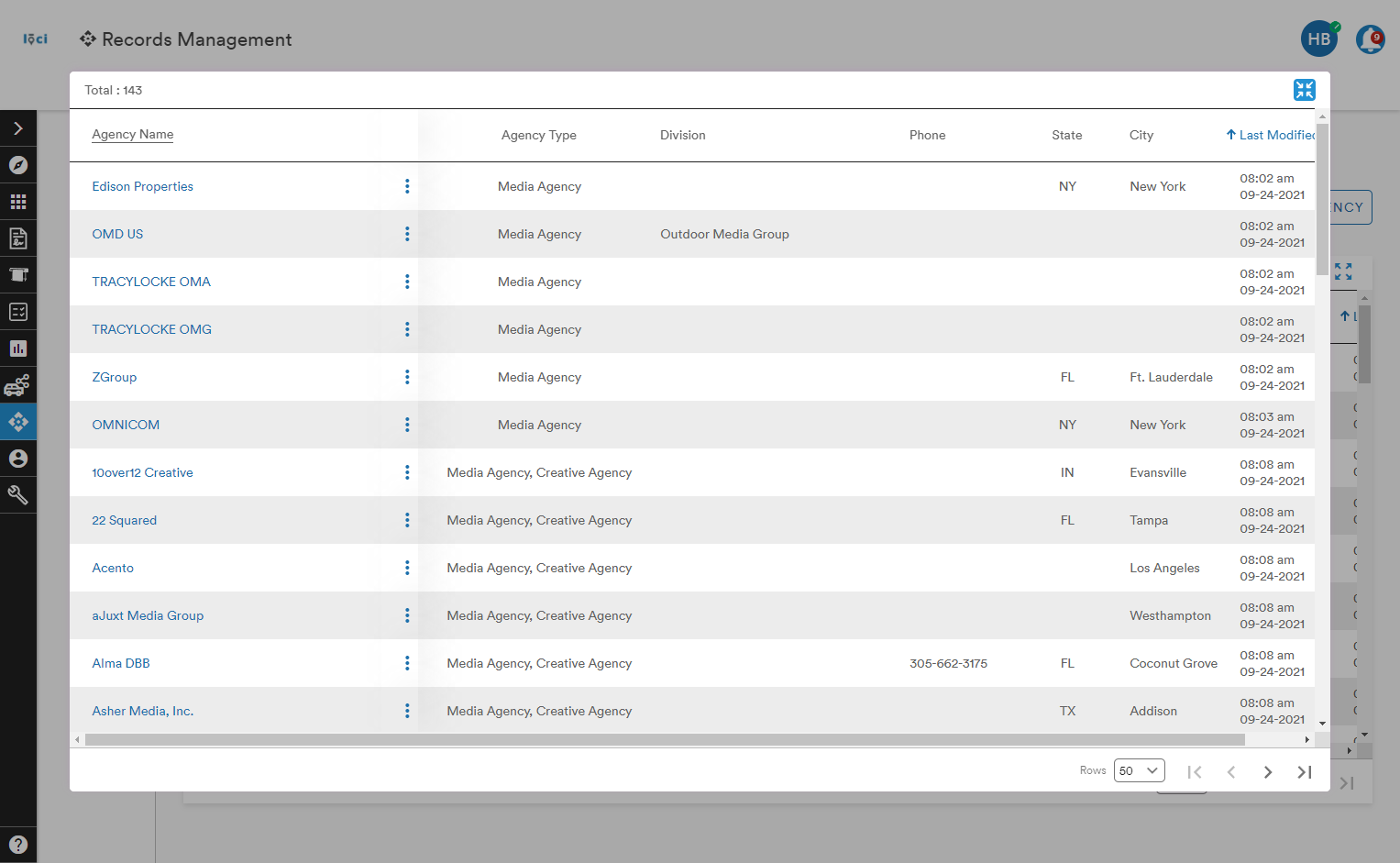
Expand Table
The Expand Table button opens an inset window with a larger layout of the table
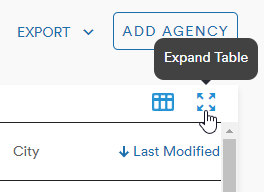
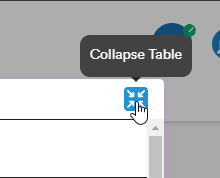
Selecting the Collapse Table button will return the table to its original view on the Plan page
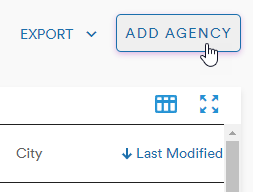
Add Agency
Users can also choose to create a new Agency record by clicking the Add Agency button
This opens the Add Agency menu into which the user can input all the required information (signified by an *) to create a new Agency in the system
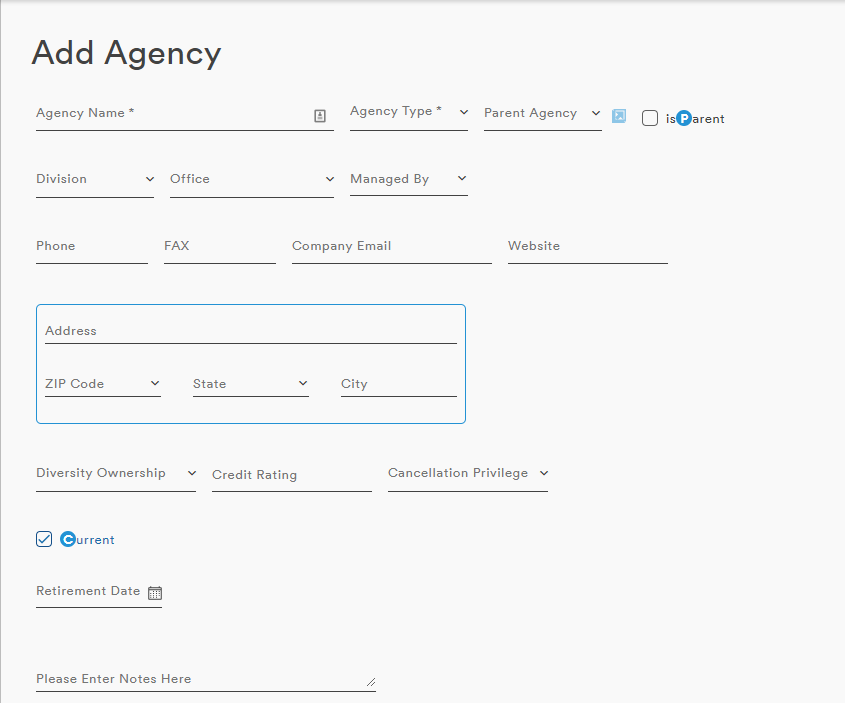
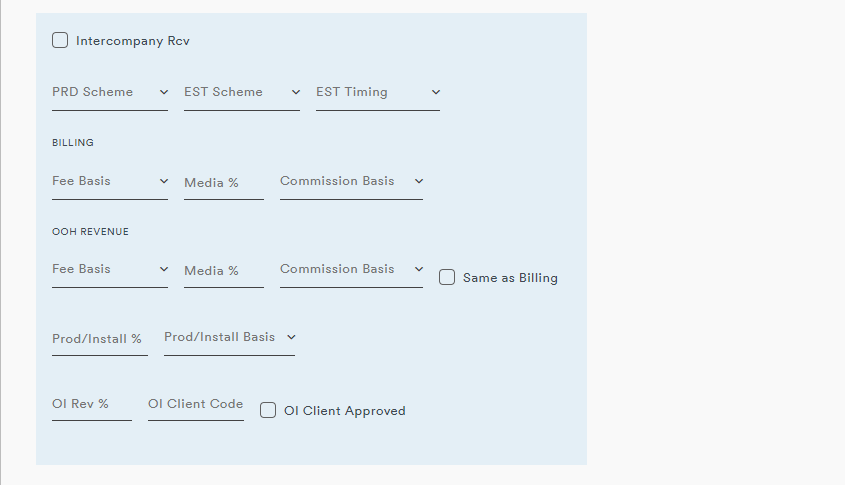
Once the necessary fields have been populated, the user can click Save Agency and the Agency record will be created
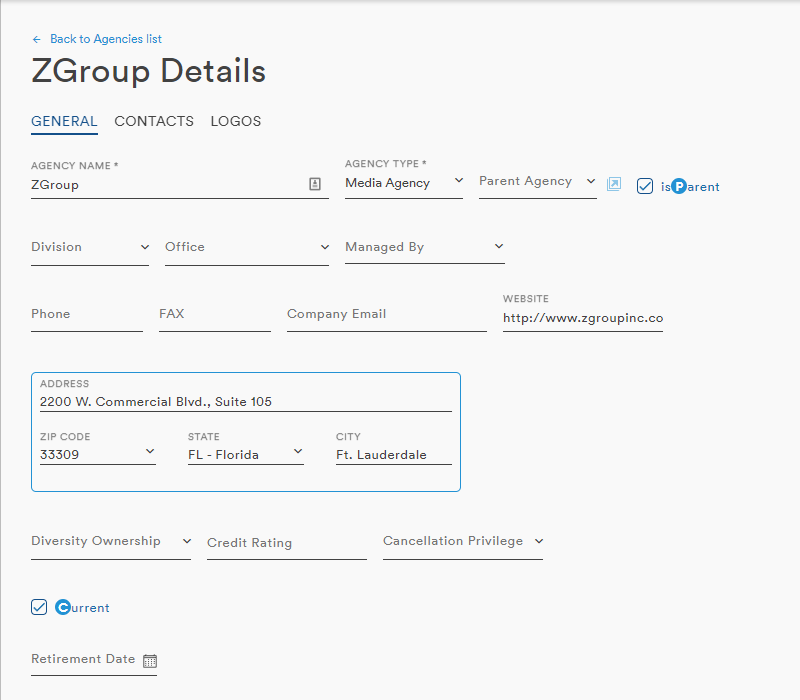
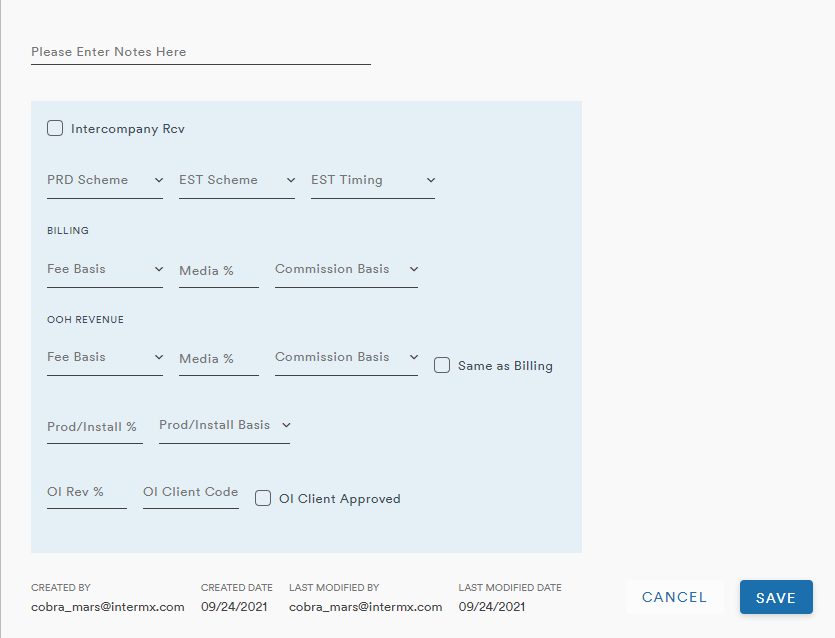
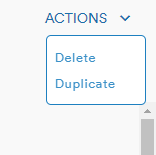
To the right of this screen is an Action dropdown menu. The Action menu on this screen provides the same two functions as the mains screen Action menu: Delete and Duplicate
The record will also appear in the table on the Agency main page
Comments
0 comments
Please sign in to leave a comment.