
What's New?
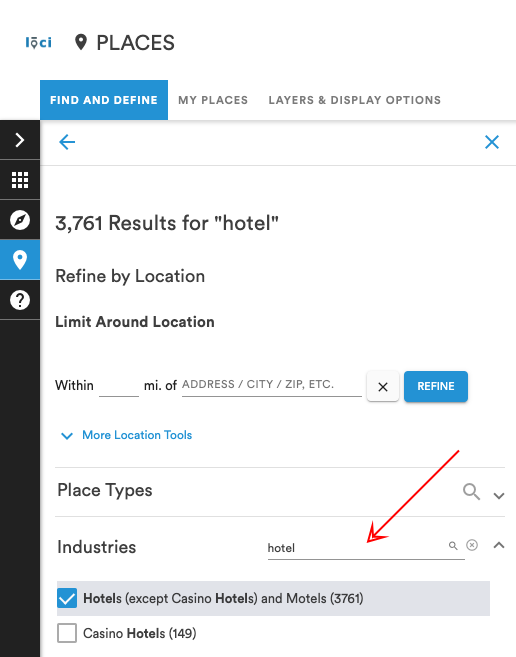
Search & Refine by Industry: Use the Industries filter to refine place search results by industry.
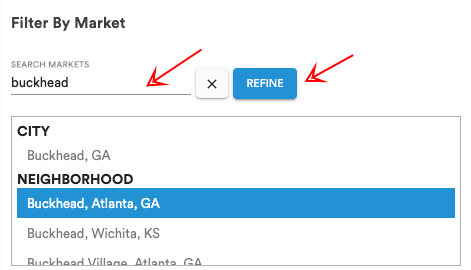
Filter by Market: Start typing in the "Filter by Market" section in Places then choose the geography from the list to refine place search results by market.
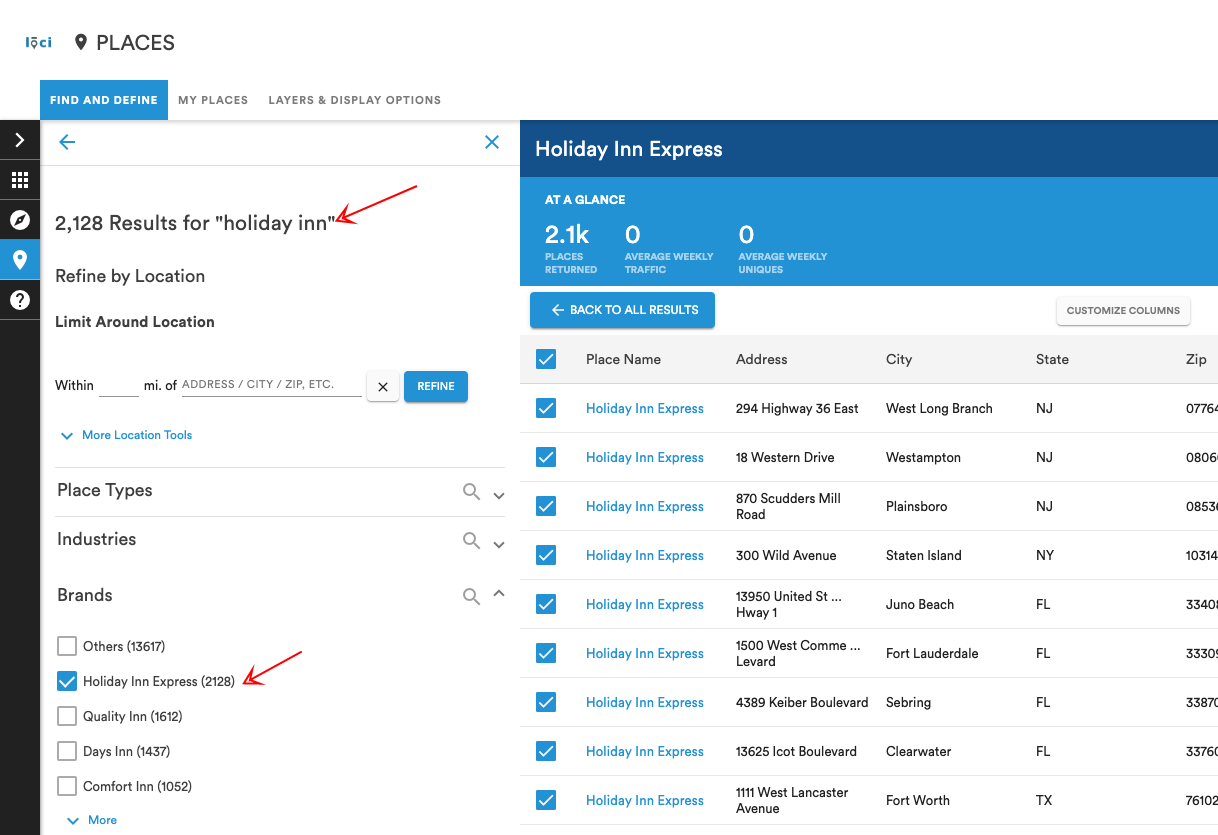
Filter by Brand: Use the Brand filter in Places to refine place search results by the brand of the place.
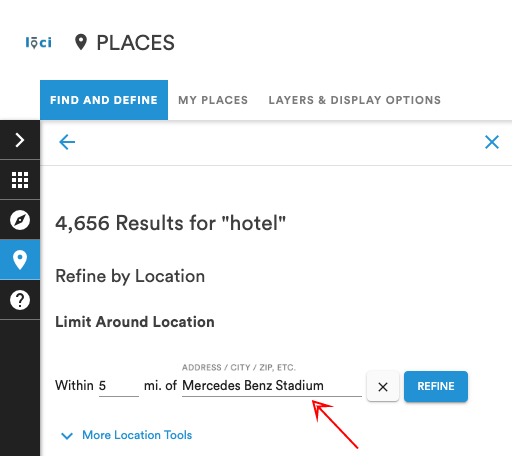
Limit Around Location: Use Limit Around Location to apply a radius around a particular location to filter place search results.
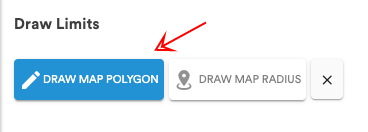
Draw Polygon to Search: Select Draw Map Polygon to begin drawing on the map. Once the shape is completed, double-click to exit draw-mode.
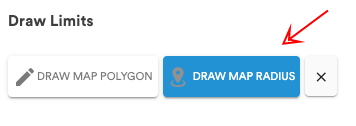
Draw Radius to Search: Select Draw Map Radius to begin drawing a radius on the map. Click once to define the center, drag out the radius to the desired size and click twice to exit draw-mode.
Fixes:
- Under Review units restored
- Media Type naming
- Media Type counts
- Non-Digital Filter
- Correct order of geography list
- Zooming issues with Places
- Unit ID validation feature restored
Comments
0 comments
Please sign in to leave a comment.