
Newly updated changes and improvements in Workspace and Records Management
New Features and Improvements
Workspace
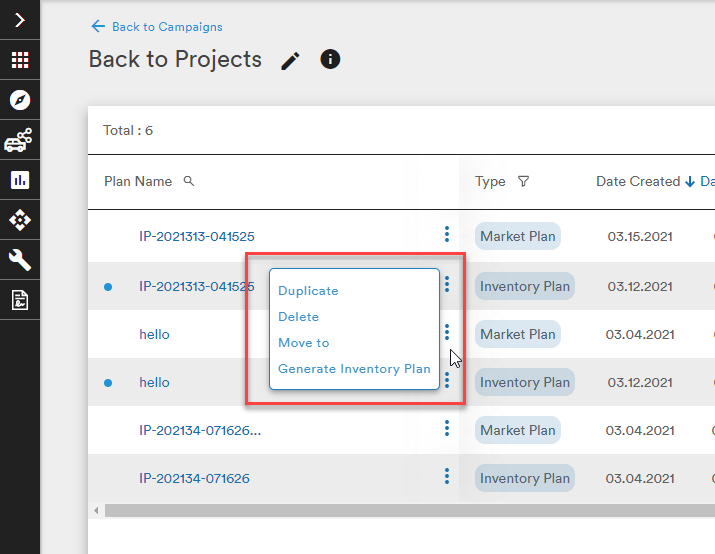
- The Action button has been redesigned as three stacked dots next to the Campaign/Plan name. Clicking the dots opens the Actions menu as before.
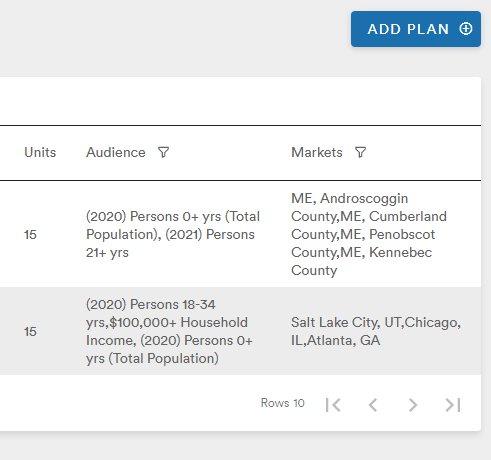
- Text-wrapping has been implemented on Campaign and Plan pages to allow users to see full descriptions and multiple audience/market selections
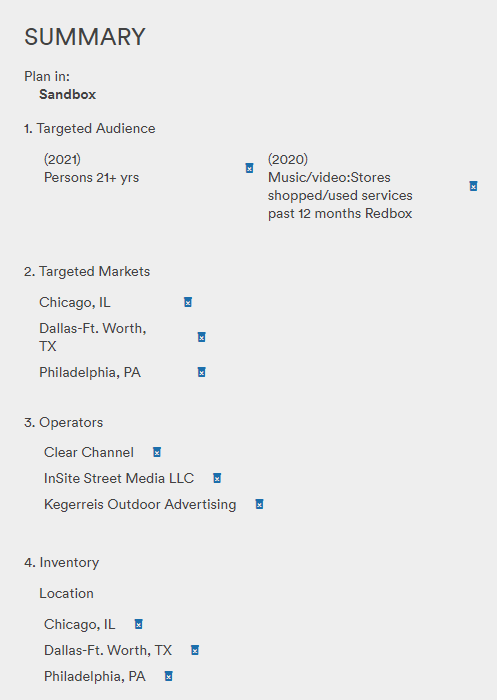
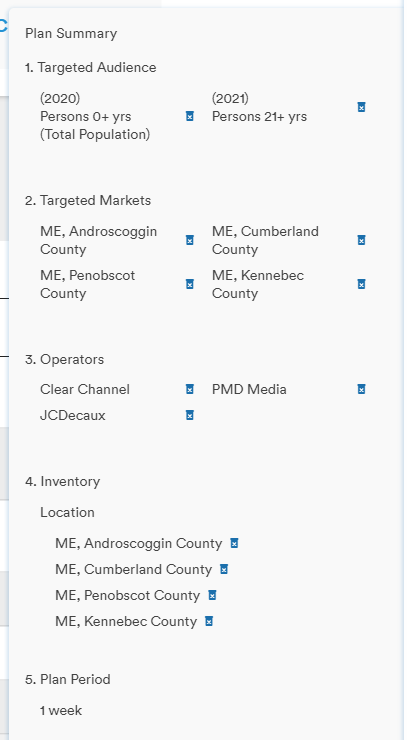
- The delete (trash can) icon is now permanently visible in the Summary panel when creating a plan and in the Parameters menu of a generated plan
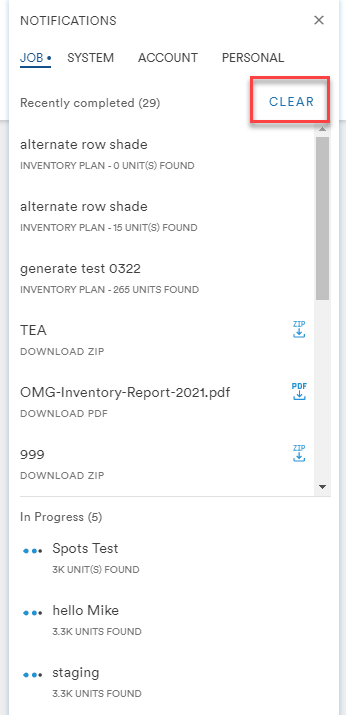
- A "Clear" button has been added to the Recently Completed Jobs section of the notification panel. A future improvement will allow users to remove listings from the In Progress section.
- When Inventory or Market Plans are in the process of generating, the Export dropdown is turned off to prevent empty exports from being generated


- When uploading a CSV of spot IDs, the validation modal has been refined
previous modal: 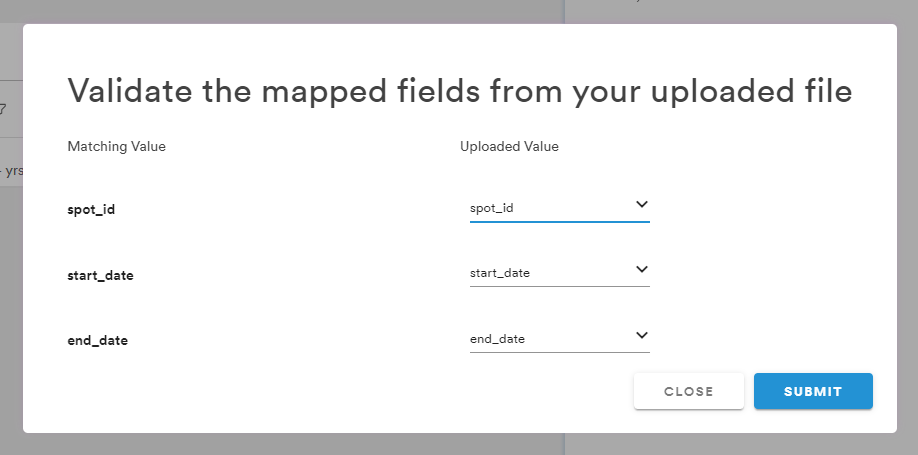
updated modal: 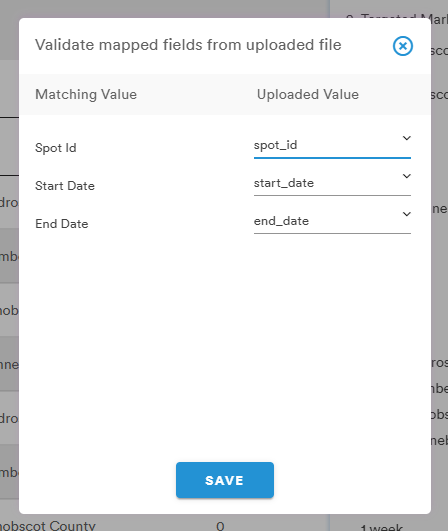
Bug Fixes
- The Select Operator menu in Market and Inventory Plan has been refined so that a browser's zoom level does not obstruct the Apply Selections or Clear All buttons
- The notification "ding" now only signals when a plan is complete
- Media Button lights up red in Market Plan when the Generate button is pressed but no media is selected
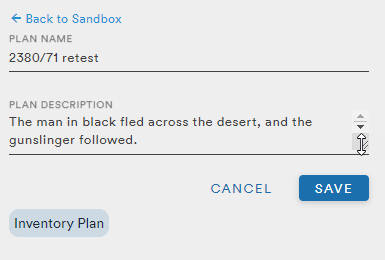
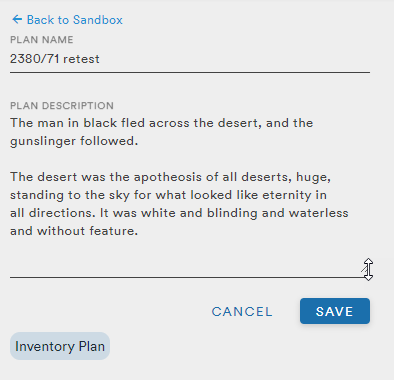
- When editing a Plan's description, the resizing option now works to provide the user room to view longer descriptions (approx. 300 characters with spaces)
- When users select Media Attributes-Orientation as 'All' in Parameters, Under Plan Summary, Media Attributes-Orientation was displayed as 'Blank'
- When a Contact was duplicated in the Clients menu of Records Management, the zip code field of the duplicate was blank
- The scroll bar is now displayed as expected in Create Contact page of Clients
- Sorting by Estimate # and Product Code in the Estimate tab of a Client now works as expected
Comments
0 comments
Please sign in to leave a comment.