
New Features and Improvements
- The New Workspace is now the default Workspace version. Users are encouraged to adopt the new Workspace as their primary venue for plan creation
Bug Fixes
Workspace
- The Projects list has been optimized to allow larger Projects to load more quickly
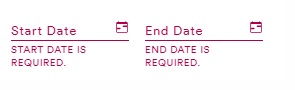
- When using specific flight dates, "Start Date is Required" and "End Date is Required" have replaced the generic "Invalid Date" message for incorrect dates
- The updated Actions button (three stacked dots) on the Sandbox/Projects page was moving when scrolling horizontally, this has been corrected
- In the Population Library of Explore the select all/custom select checkbox is now working properly
select all 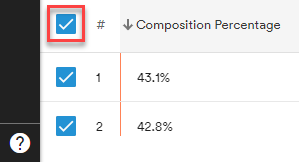 custom select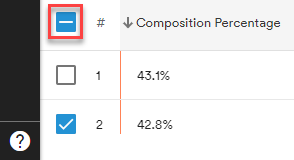
- Audience names are now correctly aligned under the Target Audience heading in the Plan creation Summary pane
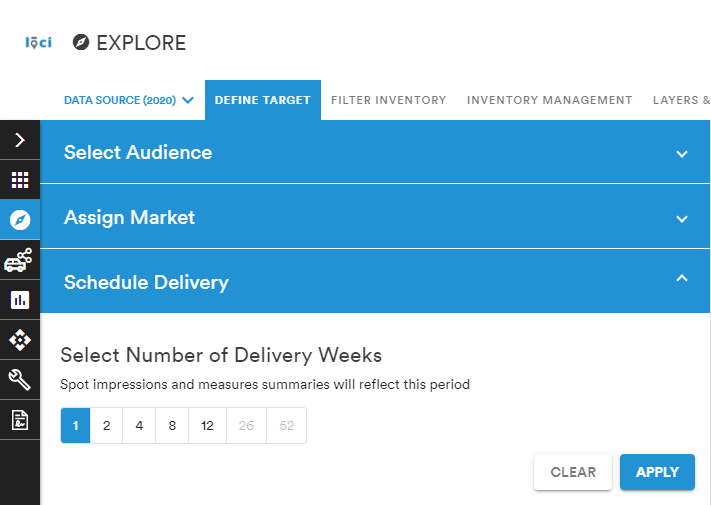
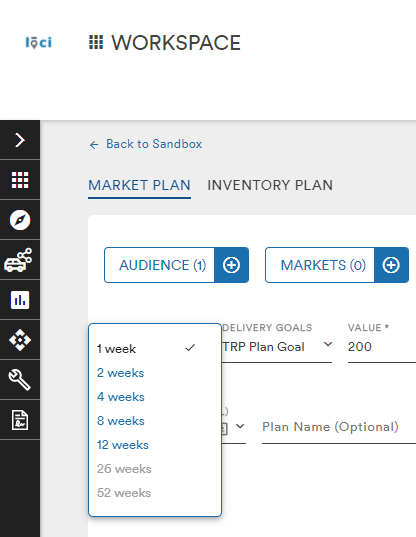
- The plan periods 26 & 52 Weeks are grayed out are unavailable when 2020 audiences are selected
- Inventory Plan gridlines are now correctly displayed and in alignment
- The padding between options in dropdown menus has been corrected
- A bug has been fixed that allowed users to be taken to an Inventory or Market Plan by clicking anywhere on a given row in the Sandbox or Campaign list. Now only the Plan name will take a user to the selected Plan
Records Management
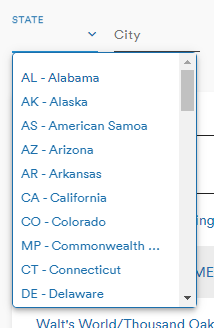
- Across the module, states are now searchable by both name or abbreviation
- The Clients Estimates Validation message was causing overlap in the "Adding New Estimate" popup
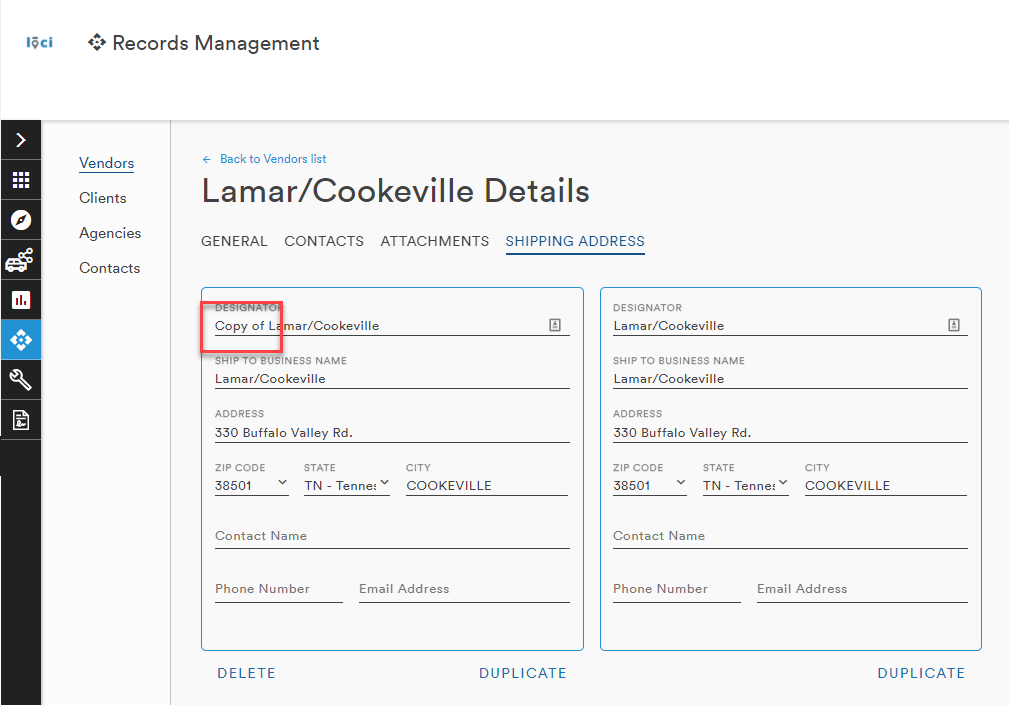
- Duplicating a Vendor's shipping address adds "Copy of ___" to the new records to provide clarity to the user
- The tooltip displaying a city's name when a user's mouse hovers over a city in any listing has been removed
- Double-clicking in a Zip Code field allows the user to select and over-write the current entry
Comments
0 comments
Please sign in to leave a comment.