
From the main Contracts menu page, select the Insertion Orders link
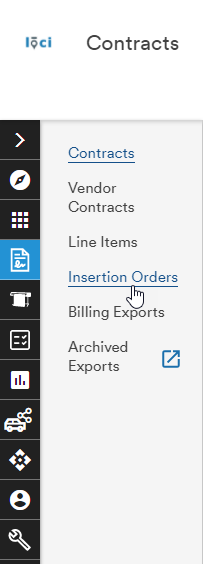
This opens the Insertion Order search menu
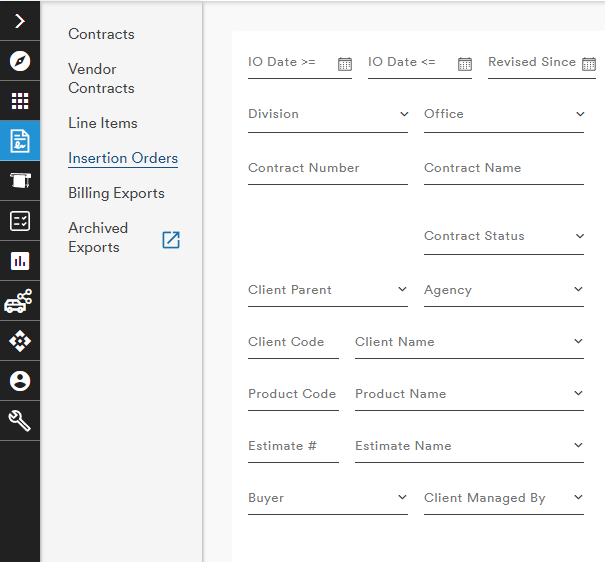
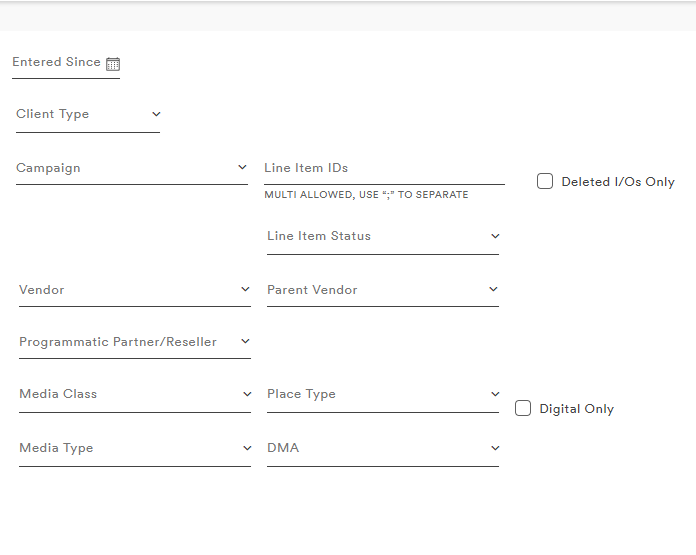
Once search criteria have been entered into the search form, the resulting Line Items are listed in a table below the menu
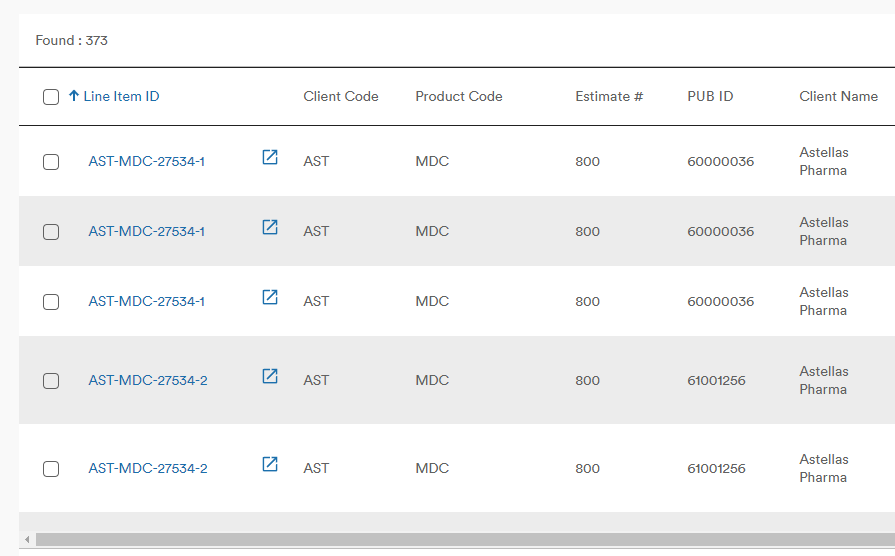
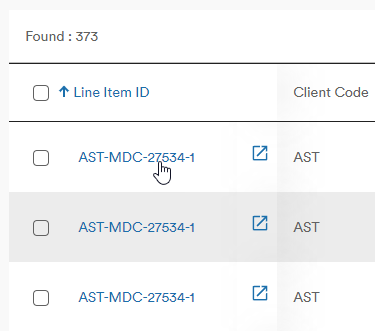
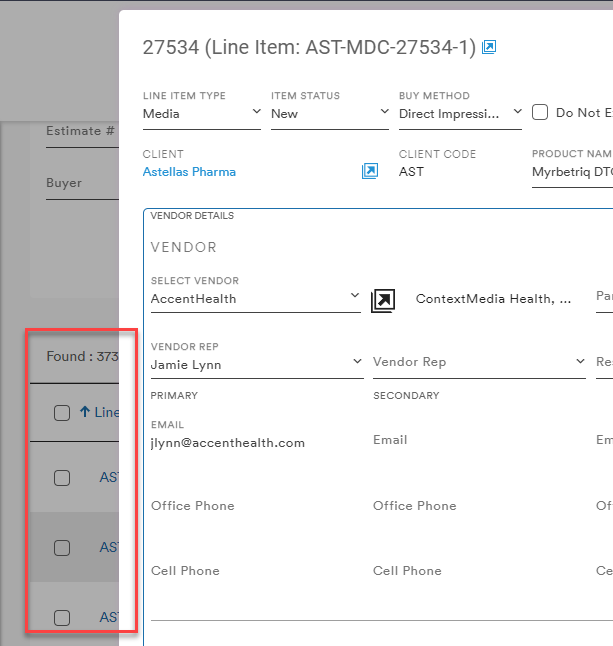
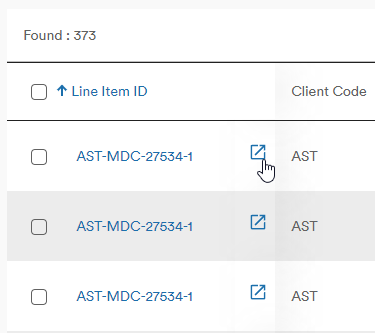
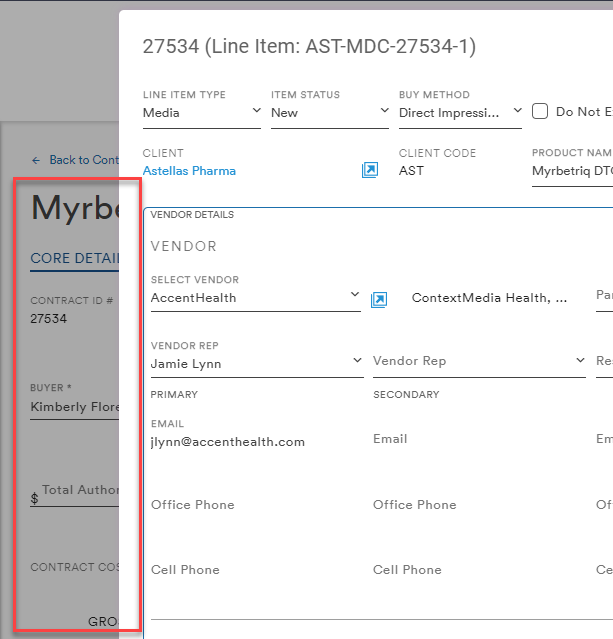
Selecting the Line Item ID opens the Line Item in the same window while selecting the Open Externally button will open the associated Contract in a new browser tab with the inset Insertion Order sheet open
As with other tables in LOCI, the user has several options:
- Export
- Customize Columns
- Expand table
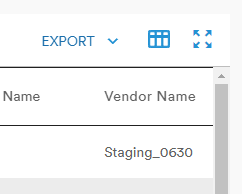
Export
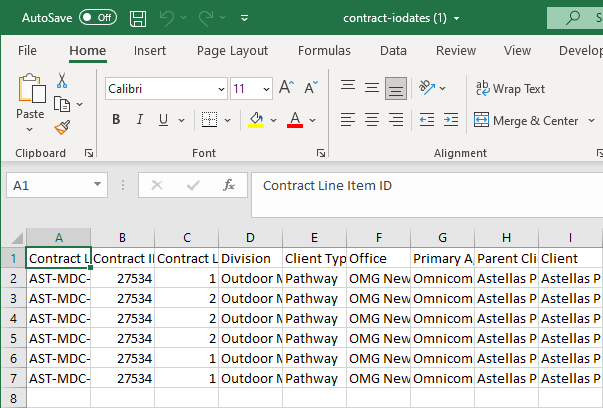
The user can choose to report the results of the table as a CSV file
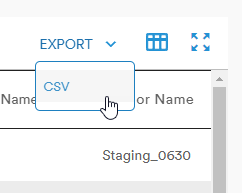
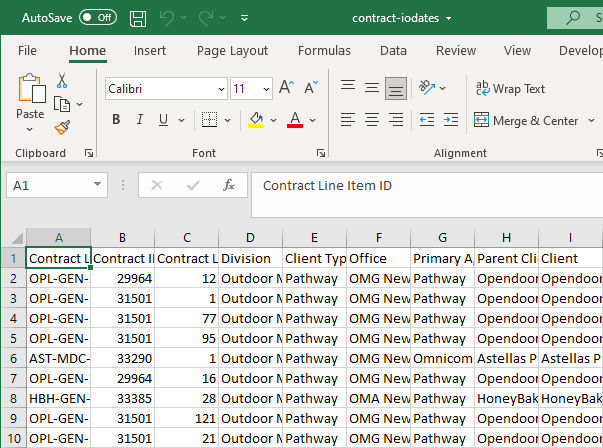
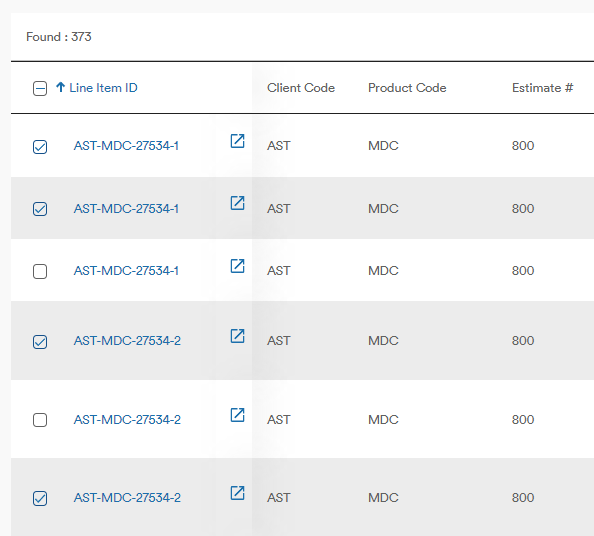
Using the checkboxes next to the Line Items allows the user to select which lines are exported
Customize Columns
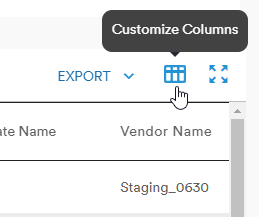
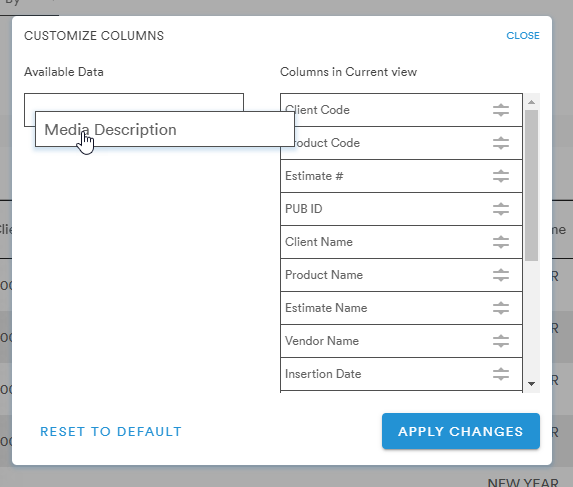
The Customize Columns button allows users to add/remove/rearrange the values that appear in their Insertion Order table
Data titles can be moved by dragging-and-dropping from one column to the other or vertically to rearrange the order of headers in the table
Expand Table
The Expand Table button will open the table in a larger in-set window to allow users to see more of the table columns
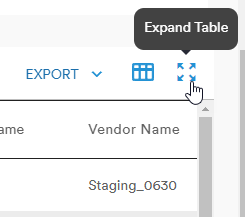
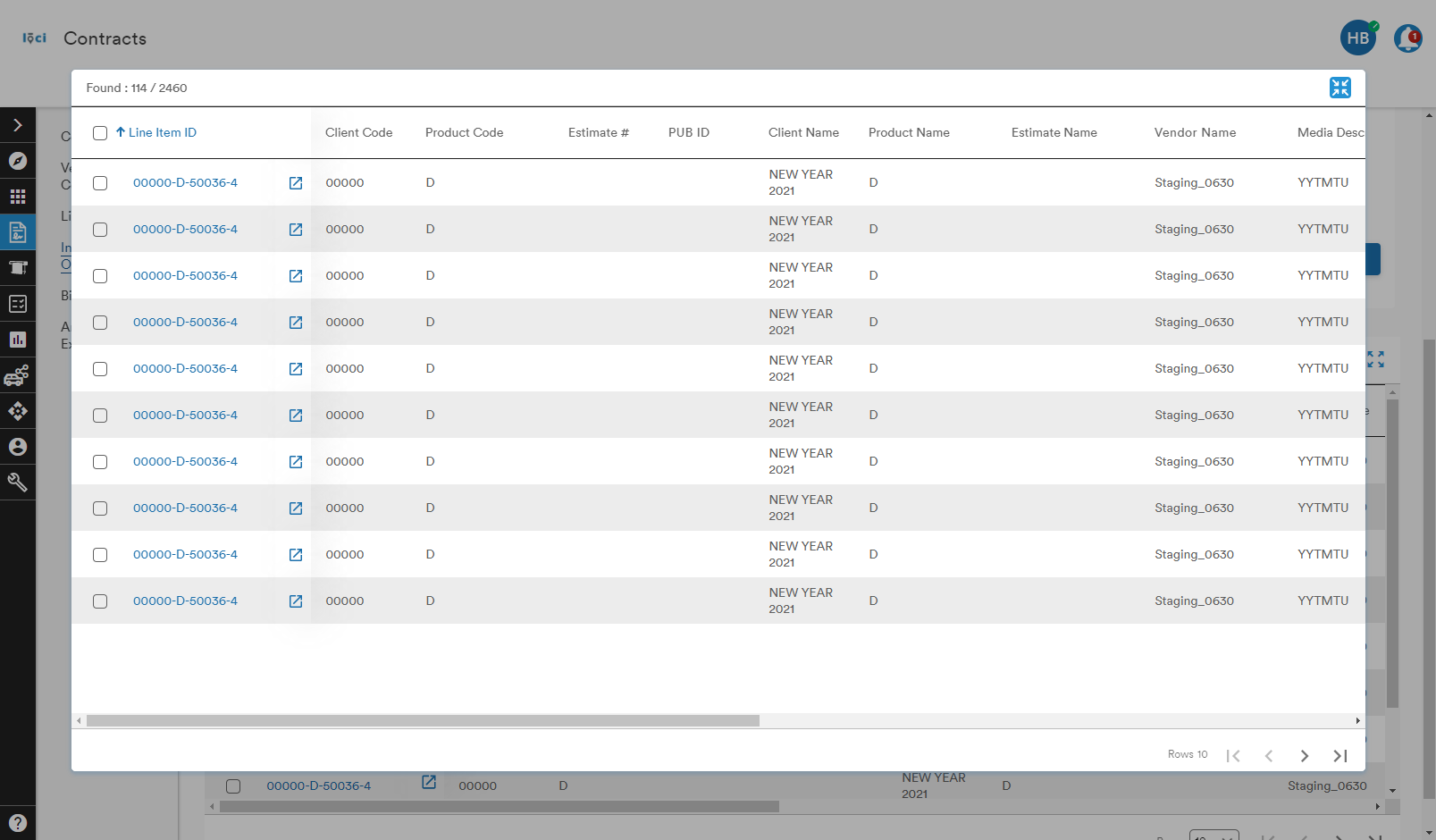
Selecting the Collapse Table button will revert the table back to its original view on the page
Comments
0 comments
Please sign in to leave a comment.