
Add Line Item
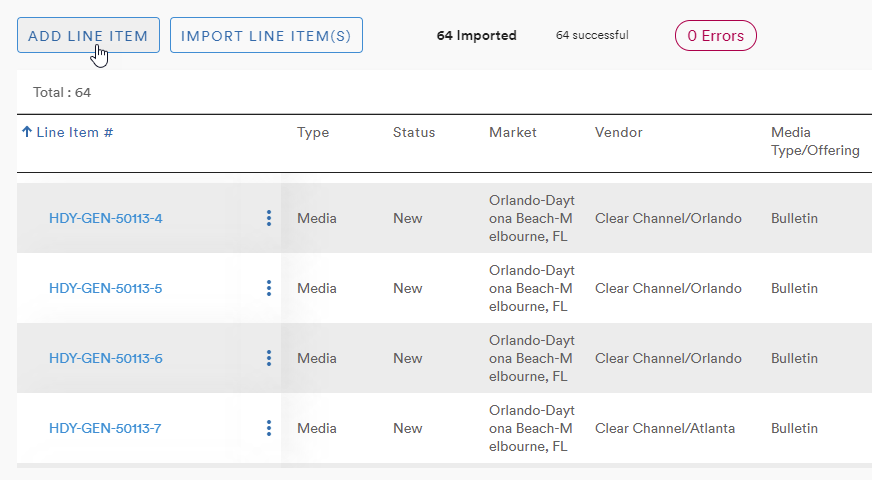
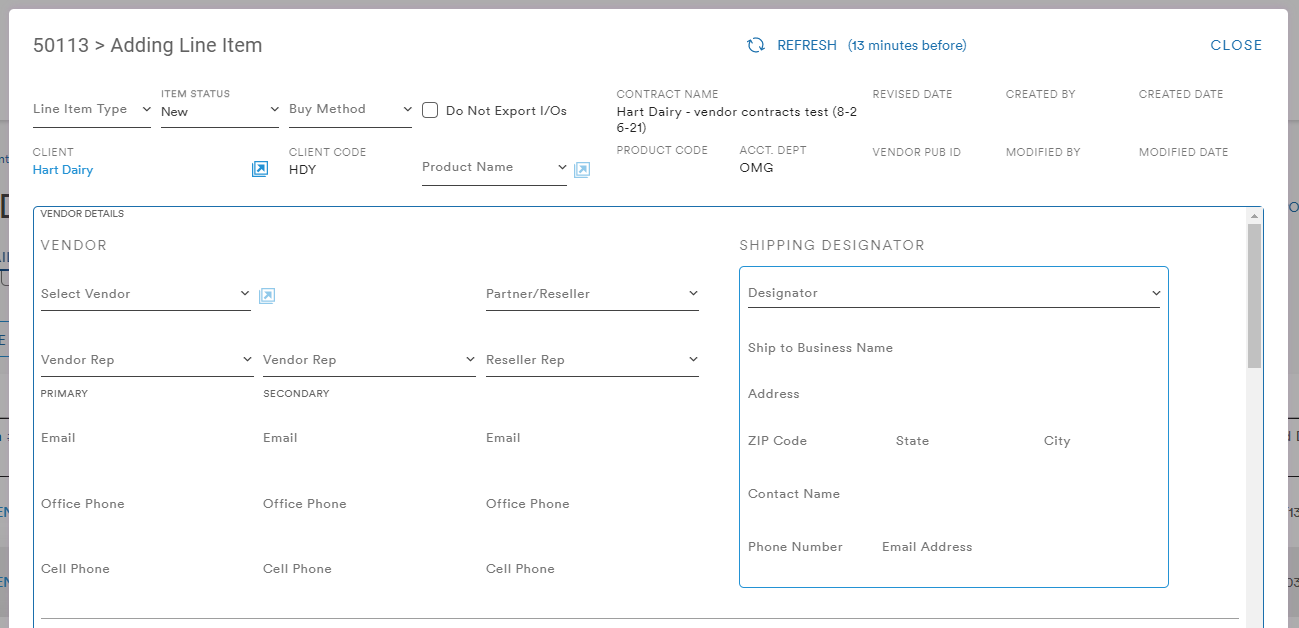
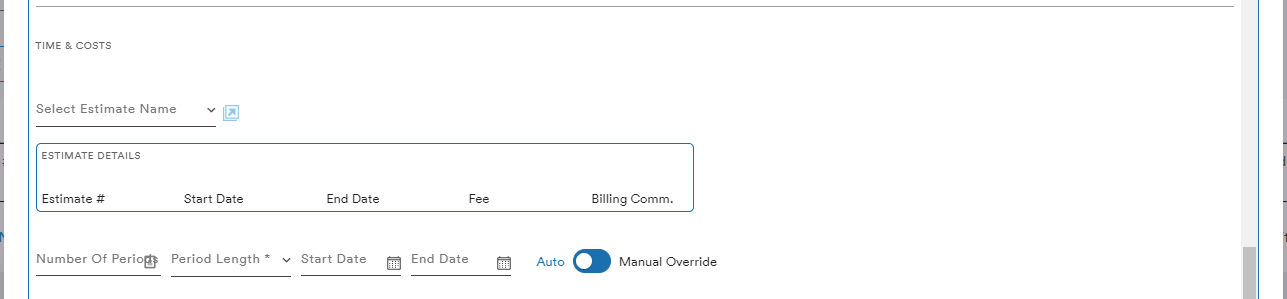
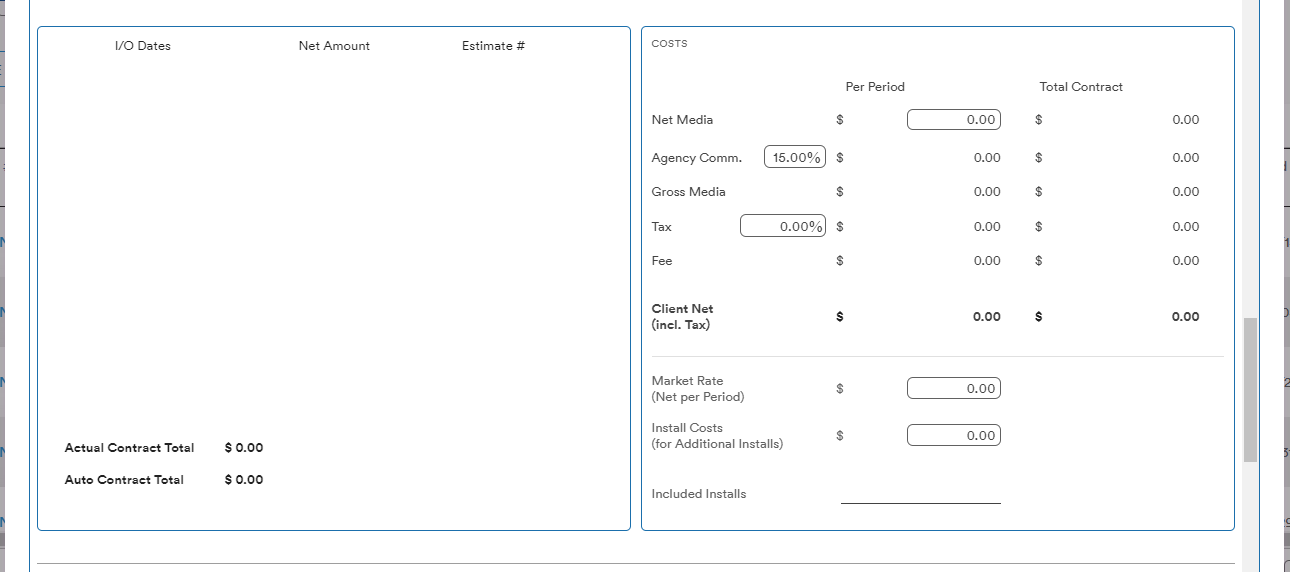
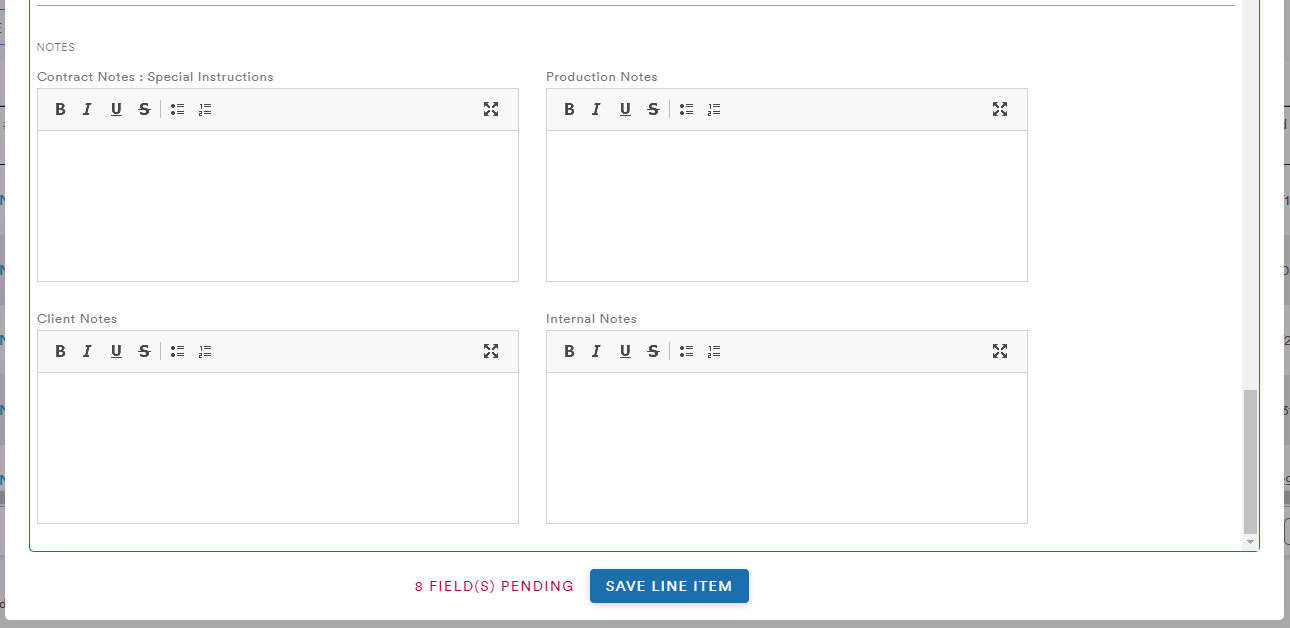
Selecting the Add Line Item button brings up the menu in which the user can input all relevant information including the Vendor details:
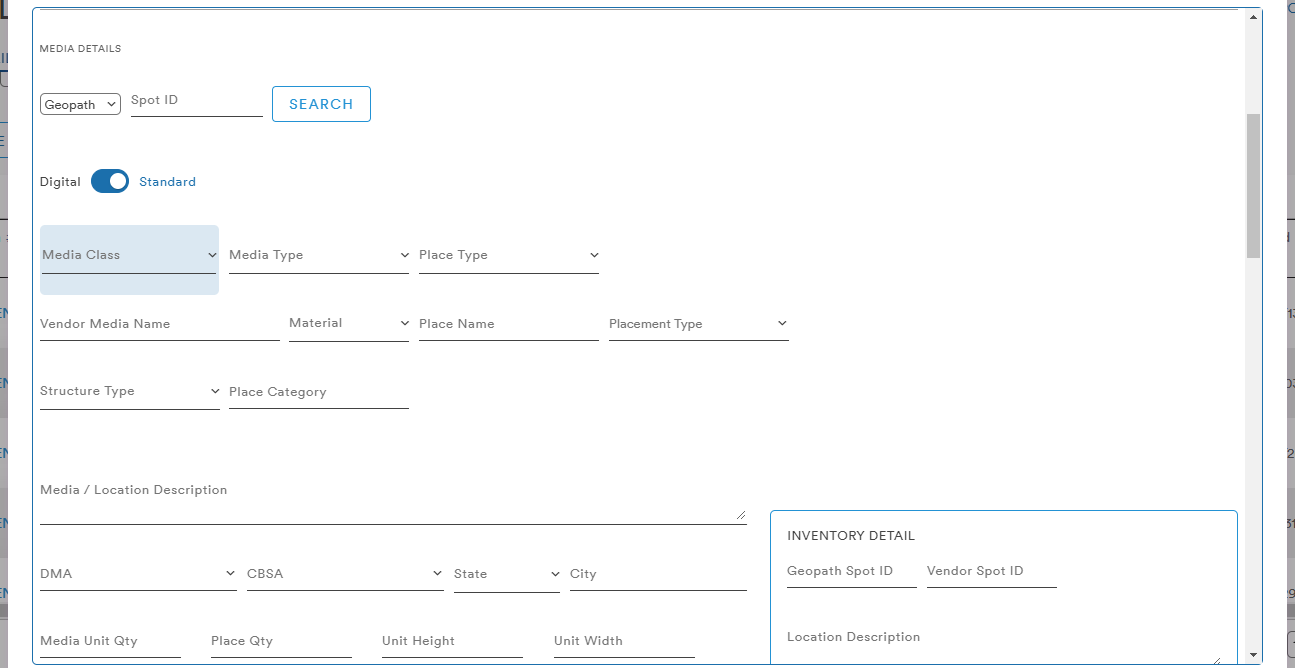
Media and Inventory Details
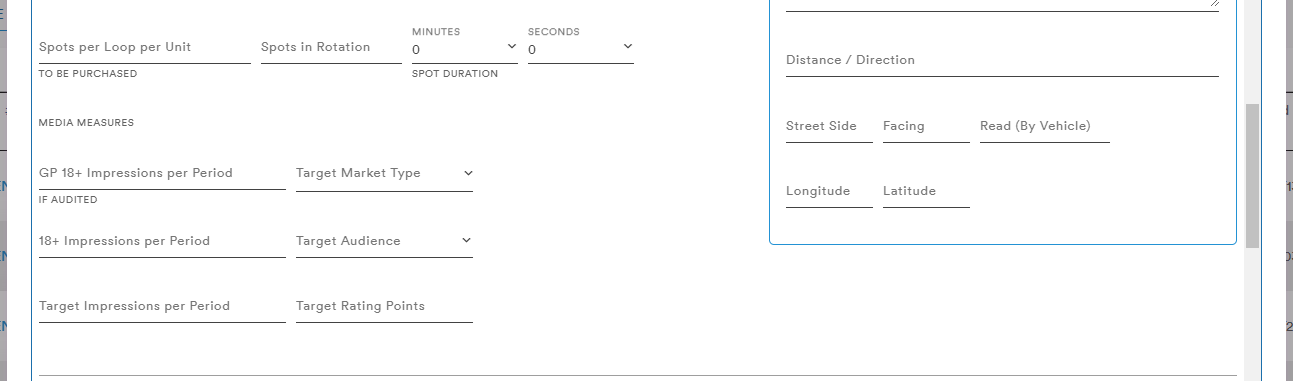
Time and Costs
And a variety of Notes
Import Line Item(s)
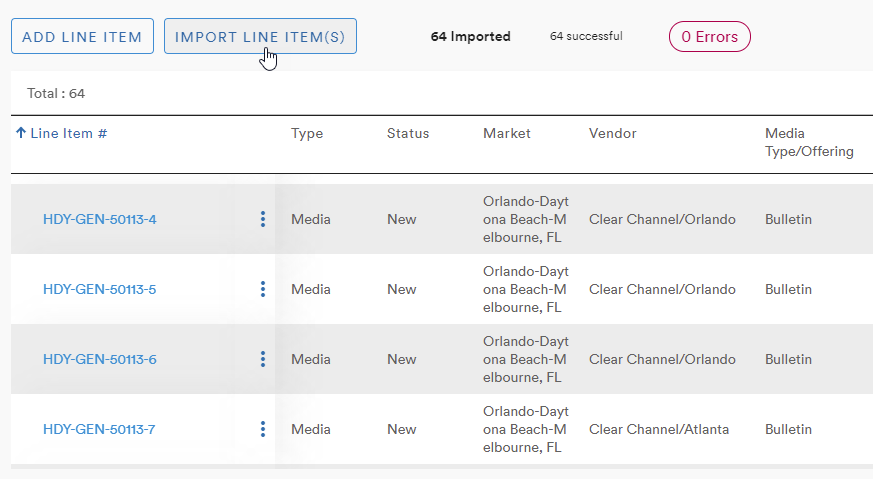
Selecting the Import Line Item button brings up the Upload Line Item menu
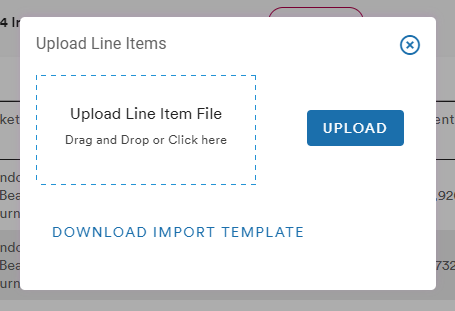
To help users successfully upload their line items, an import template is provided via the Download Import Template button. The CSV file includes 54 data points that will be matched to fields in the Line Item table
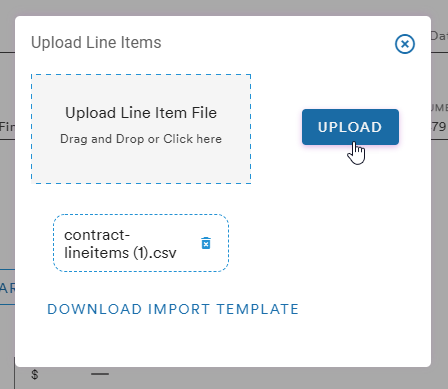
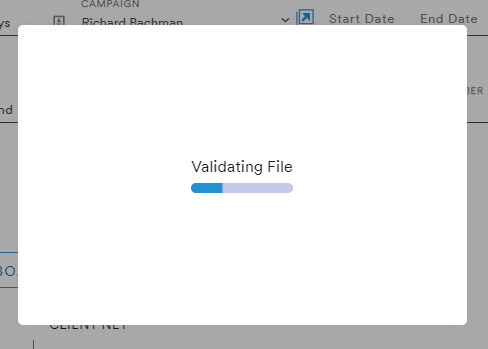
The system will begin the process of validating and match the columns from the CSV to the columns in the Contracts module
Lines that need confirmation will be highlighted in red
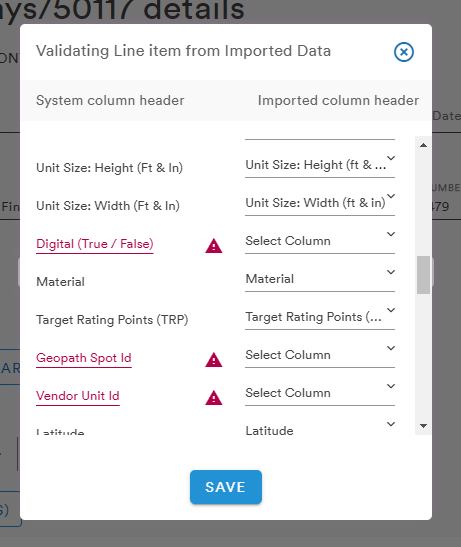
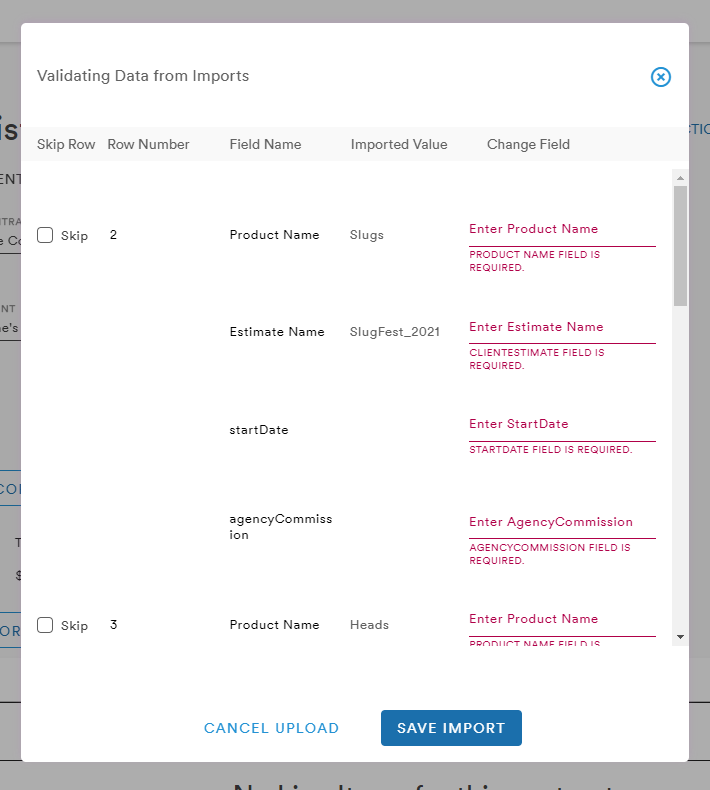
Clicking Save will bring the user to a final validation menu in which the user can choose to change the invalid field or skip importing the field
Comments
0 comments
Please sign in to leave a comment.