
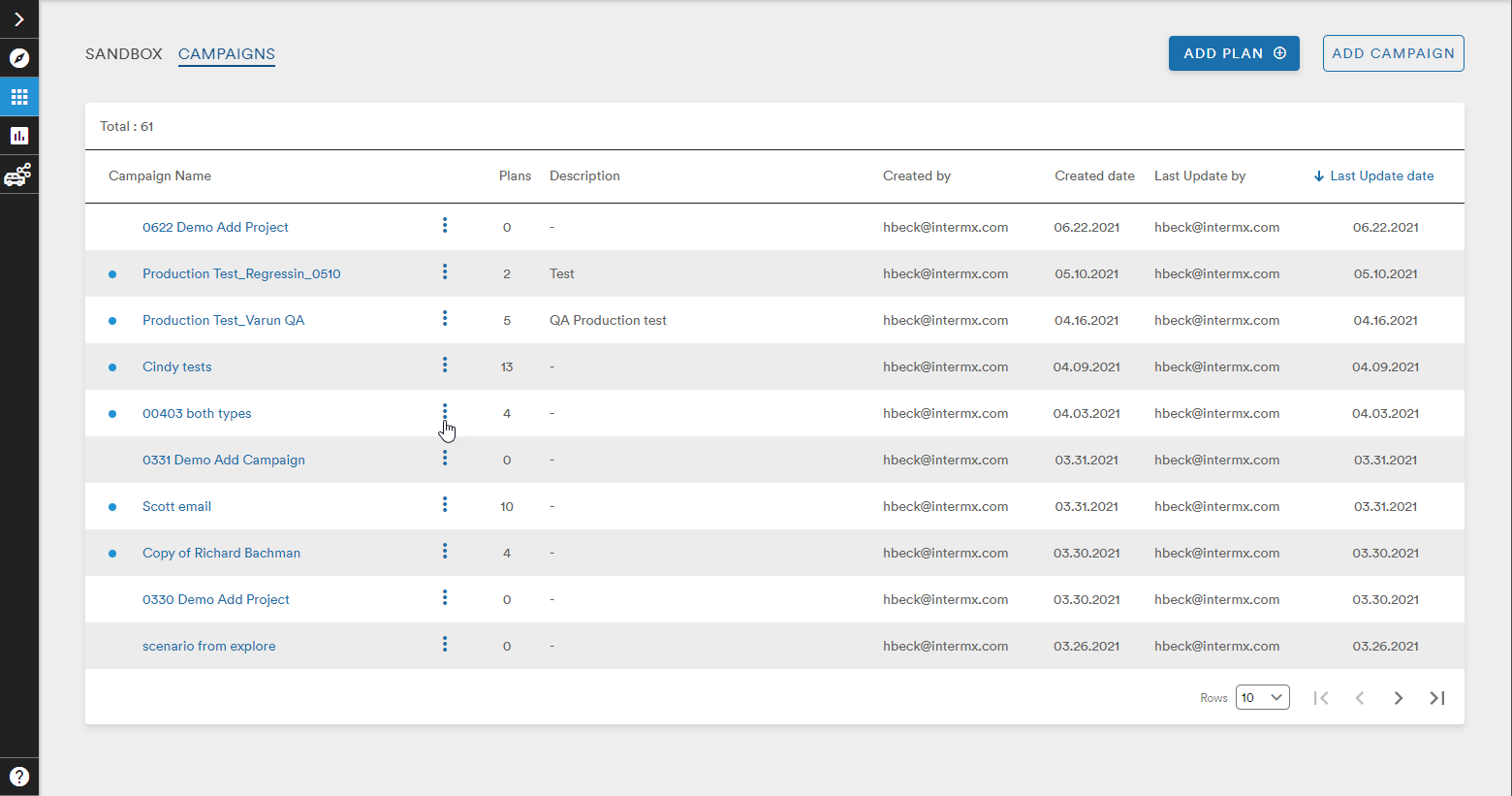
From the main Campaigns List, a user can take different actions on their Campaigns by clicking the three stacked dots found next to all Campaign names
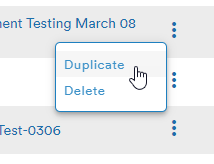
This dropdown gives the user the options to either Duplicate or Delete the Campaign
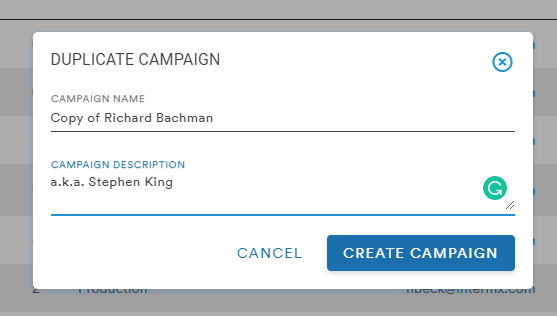
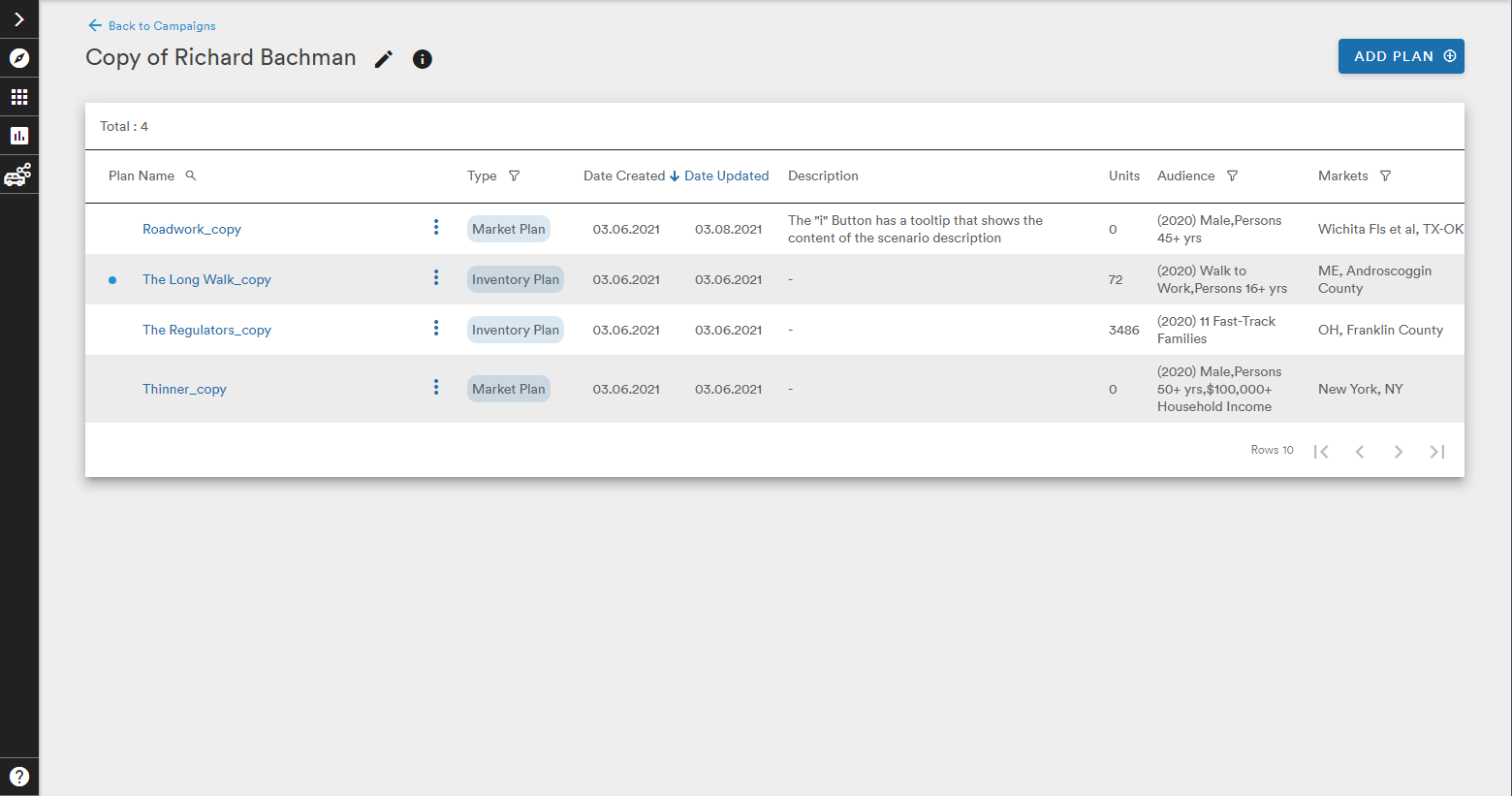
If the user selects, Duplicate, the Duplicate Campaign menu appears to rename this new Campaign. The description is optional and selecting Create Campaign takes the user to the new Campaign page where new Plans can be created within this Campaign
Selecting Delete from the Action dropdown brings up a Deletion Confirmation window warning the user that deleting a Campaign cannot be undone
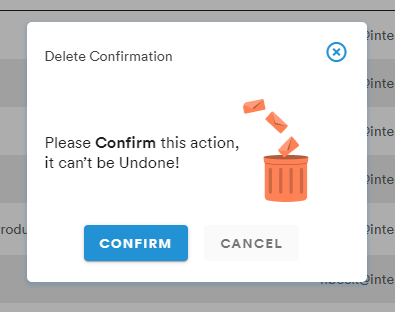
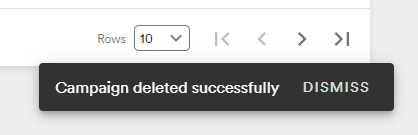
If the user selects Confirm, they will see a confirmation message at the bottom of the screen and the Campaign will disappear from the Campaign List
These Duplicate and Delete steps also apply to Duplicating and Deleting Plans from within a selected Campaign List page
Comments
0 comments
Please sign in to leave a comment.