
A feature of the Workspace is the ability for a user to move a plan from one Campaign to another
In this example, we will begin with the Sandbox campaign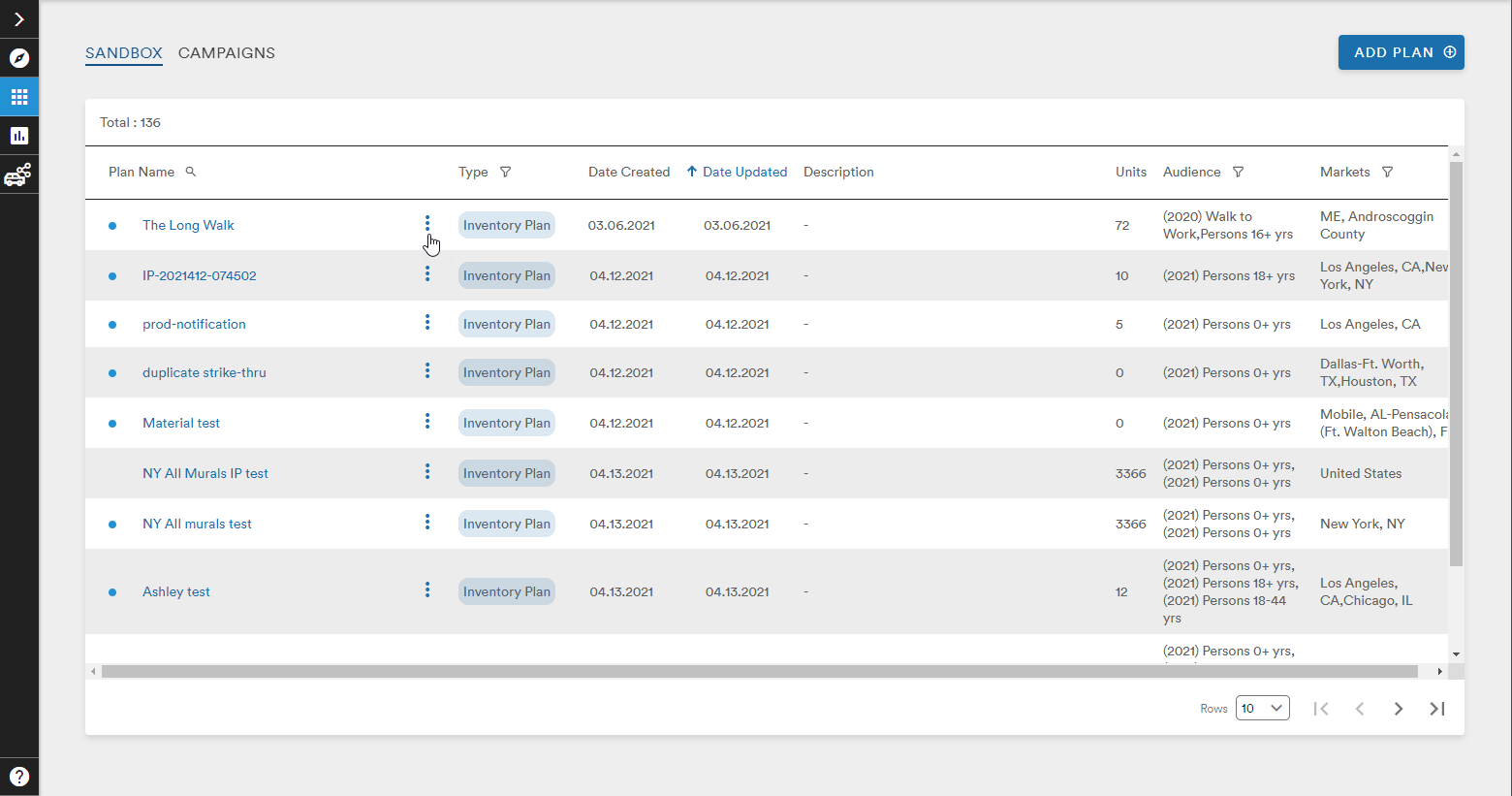
Clicking the three stacked dots next to the name of the plan called The Long Walk makes the Actions menu appear. This menu gives the user the options to Duplicate, Delete, Move To, or Generate (Market Plan or Inventory Plan depending on the plan type of the given plan)
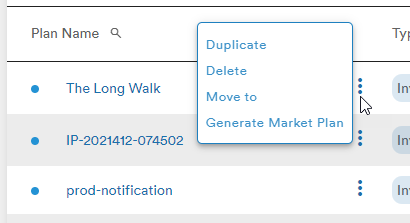
Selecting Move To will bring up the Move Plan window
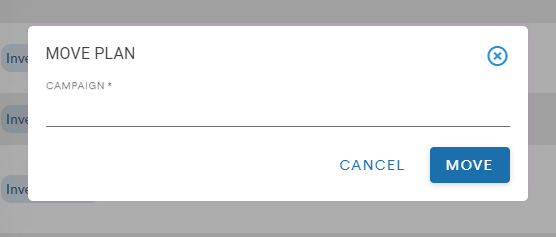
Clicking on the line below Campaign will open a list of all available Campaign to which this plan can be moved. As the user scrolls down the list, more Campaigns will load until all Campaigns are listed
The user can also enter text to search for a Campaign
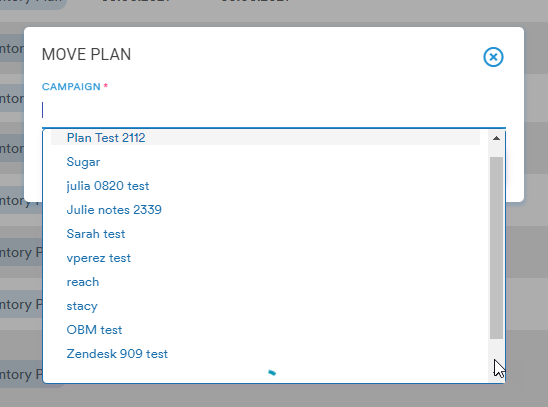
In this example, the user is moving the plan The Long Walk to the Campaign called Richard Bachman
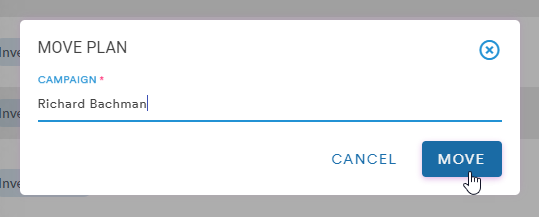
After clicking Move the user is presented with a confirmation message and the Plan disappears from the Sandbox Campaign list
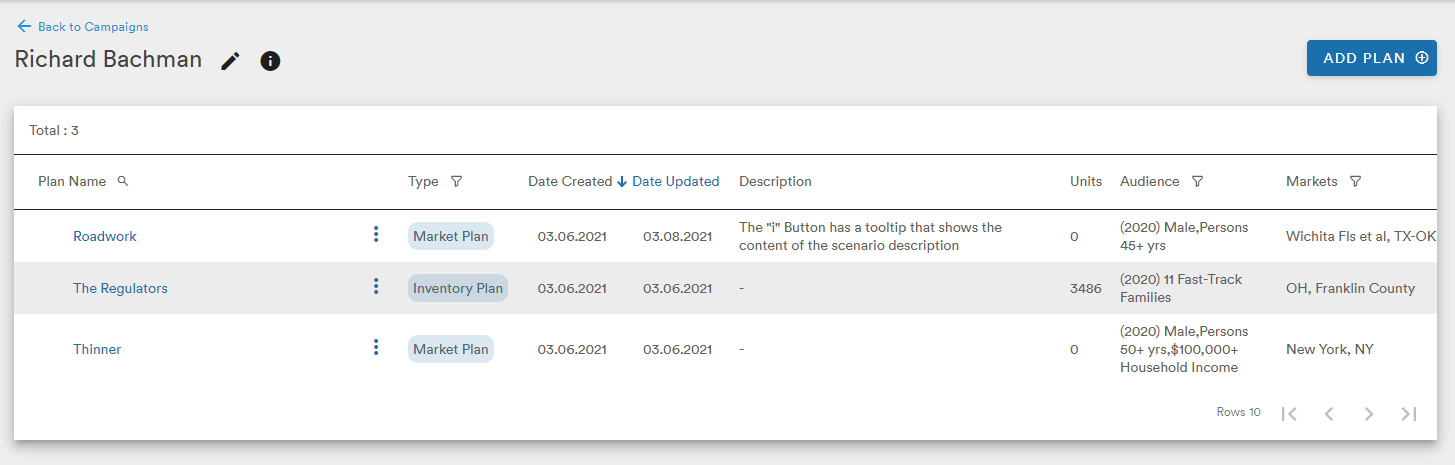
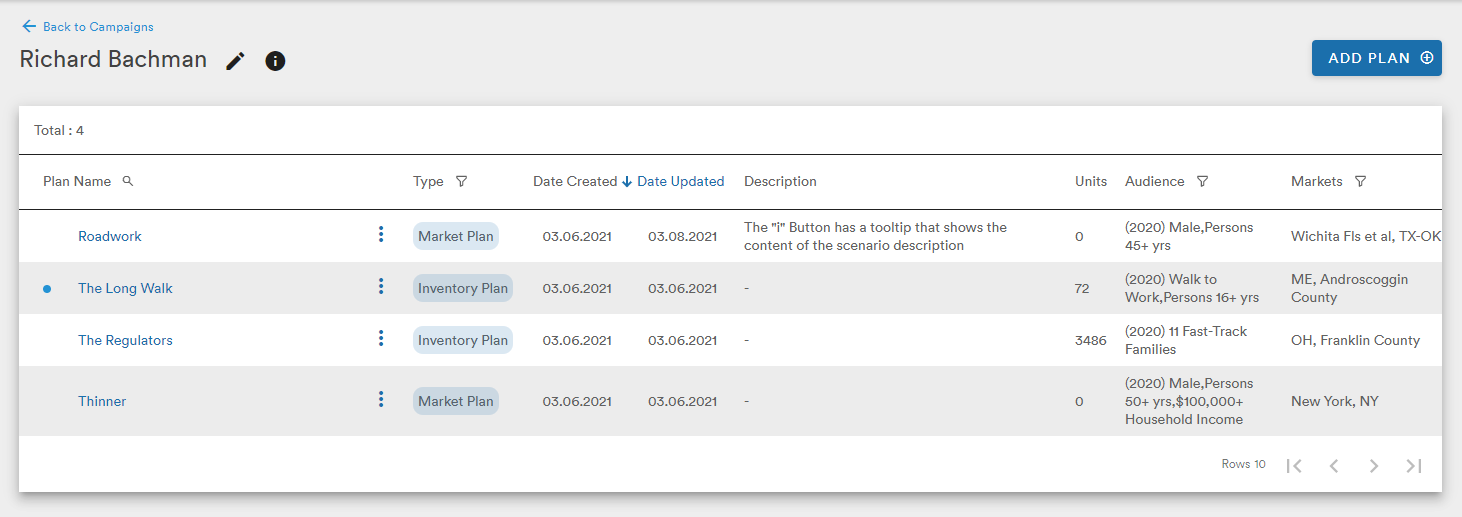
The Richard Bachman campaign now shows The Long Walk as one of its Plans
Comments
0 comments
Please sign in to leave a comment.