
Line Items are the records of orders created for different Jobs (a combination of printers, media formats, markets, etc)
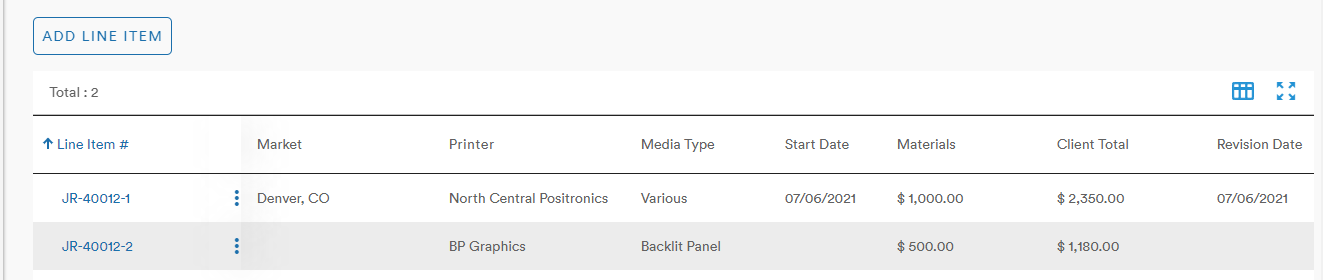
Under the Billing Details section of a Job's Core Details, a user can add or view the Line Items associated with the Job
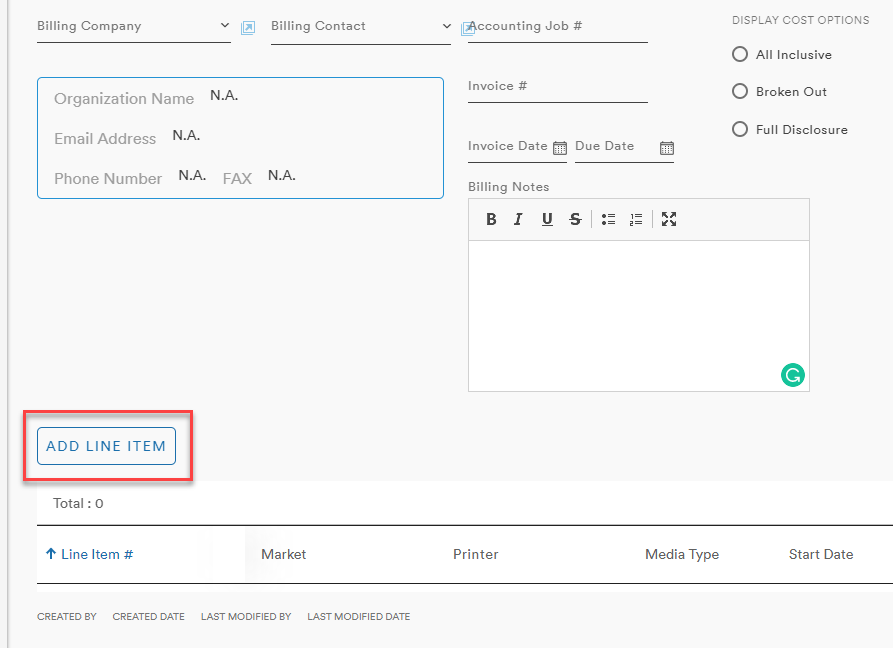
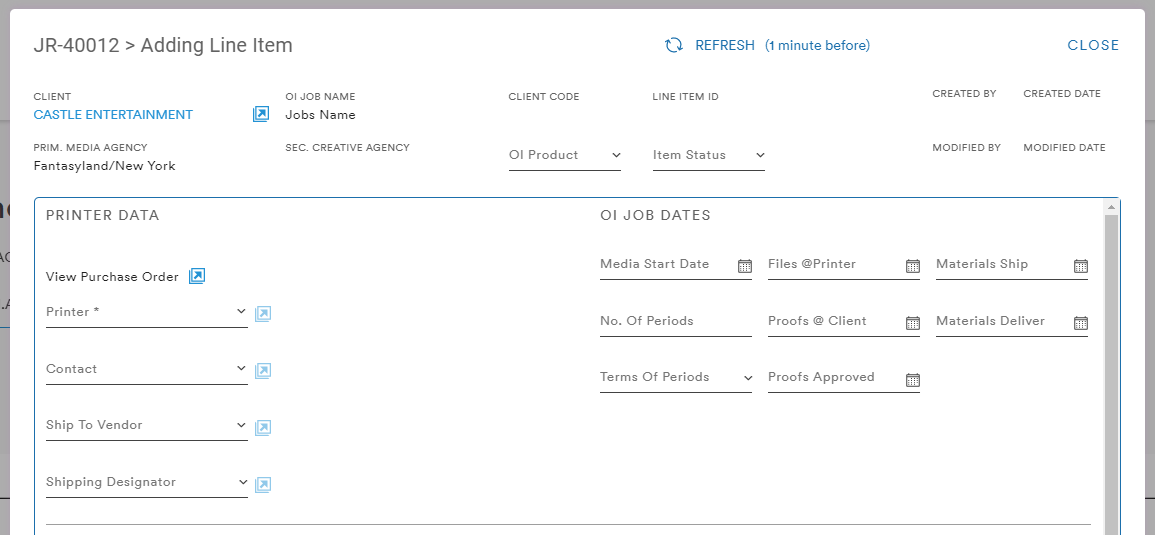
Selecting the Add Line Item button brings up the menu in which the user can input all relevant information including the Printer Data and OI Job Dates:
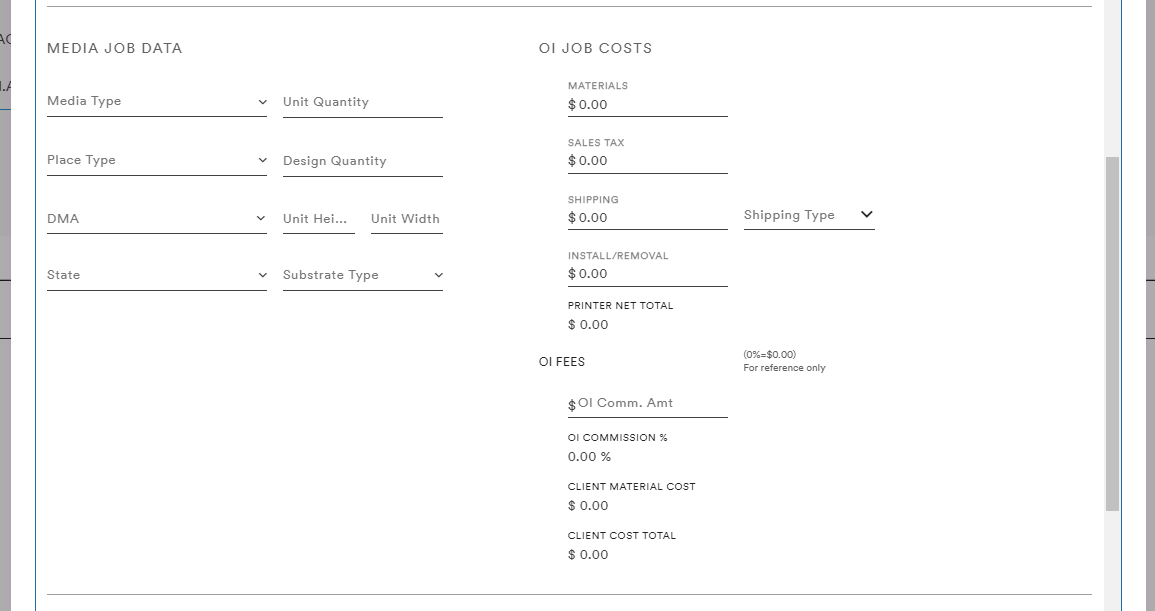
Media Job Data and OI Job Costs and OI Fees
And a variety of Notes
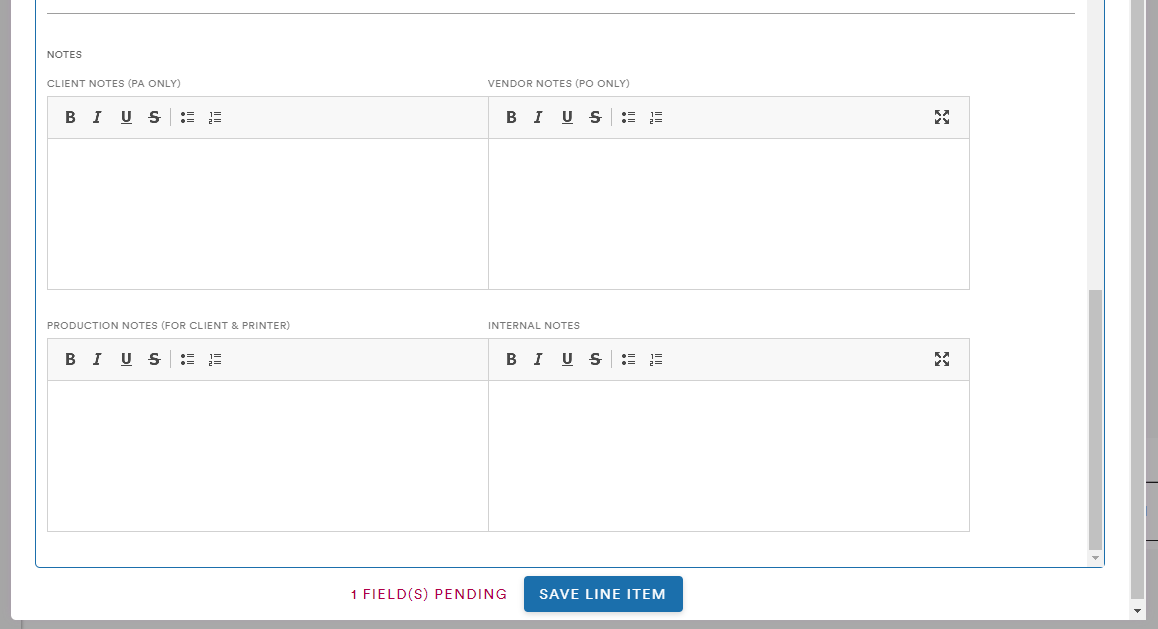
Once the necessary fields are complete (only Printer is required) the user can select Save Line Item to create the Line Item on the Job's Core Details page
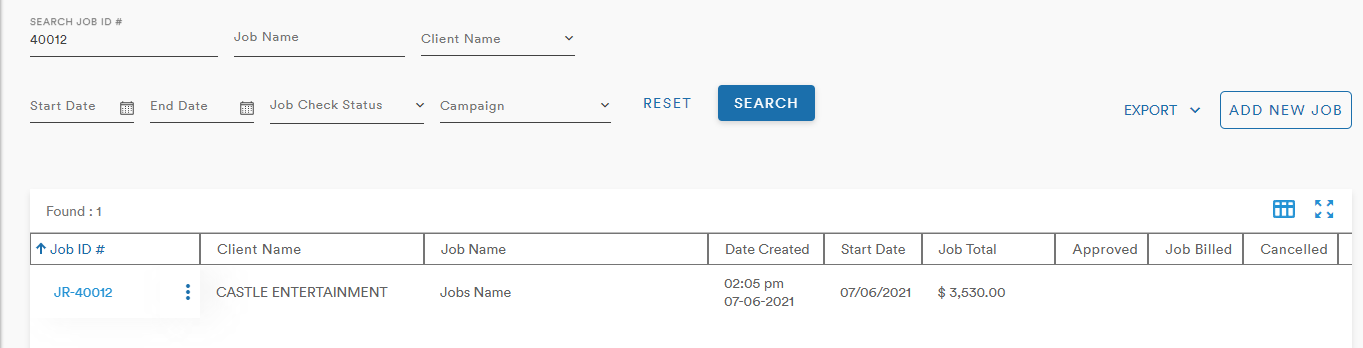
Updates to the Job are also reflected on the Job Listing of the main Jobs page
Comments
0 comments
Please sign in to leave a comment.