
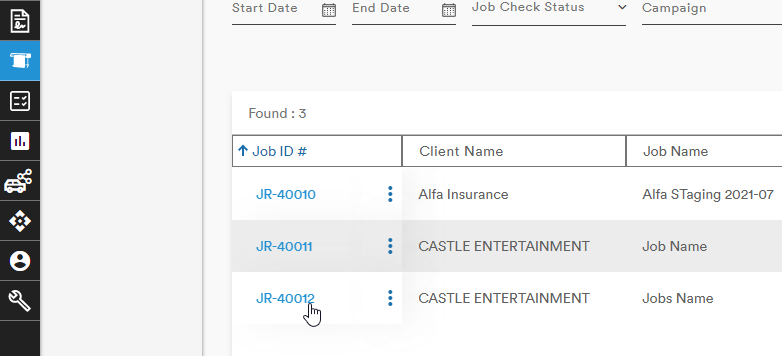
Deleting a Line Item from a Job is simple. From the Jobs main page, select the Jobs from which the line item needs to be deleted
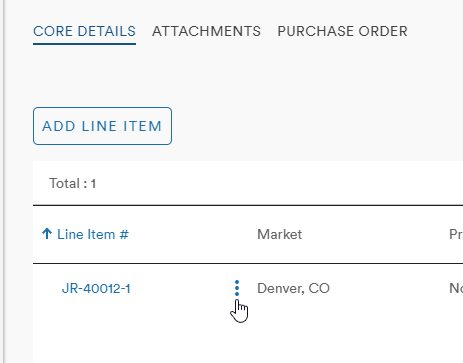
Scroll down to the Line Items table at the bottom of the Core Details page and select the Action button (stacked three dots) next to the Line Item to be deleted
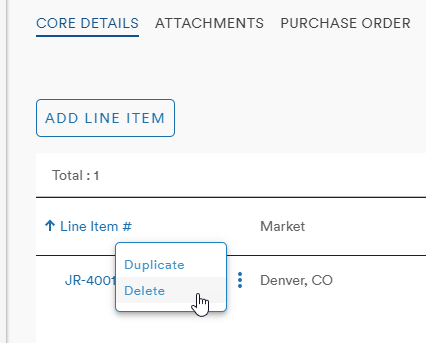
Clicking the Action button will bring up the Action menu from which Delete can be chosen
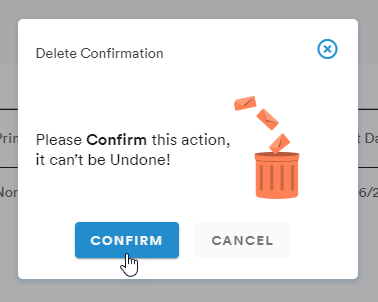
The Delete Confirmation popup will appear and clicking Confirm will permanently delete the Line Item
Comments
0 comments
Please sign in to leave a comment.