
As users progress through the lifecycle of a Job, there are checkpoints they can select along the way. These checkpoints can be found on the right side of a Job listing's Core Details Page
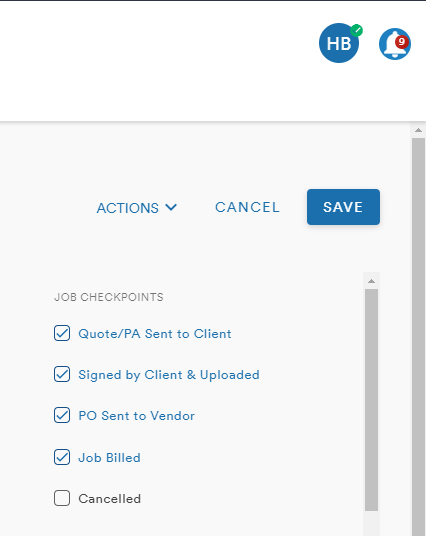
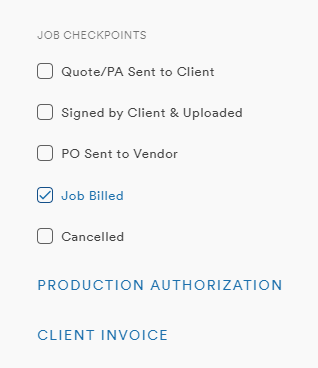
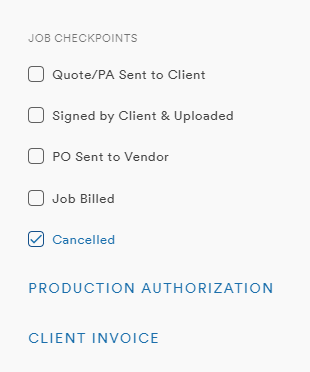
The Checkpoints are:
- Quote/PA Sent to Client
- Signed by Client & Uploaded
- PO Sent to Vendor
- Job Billed
- Cancelled
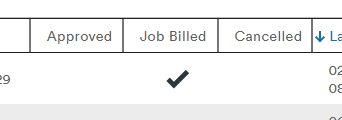
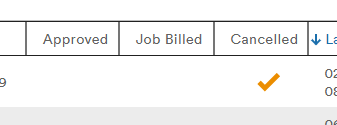
As the Job moves through the workflow, checkmarks will appear on the Job main page
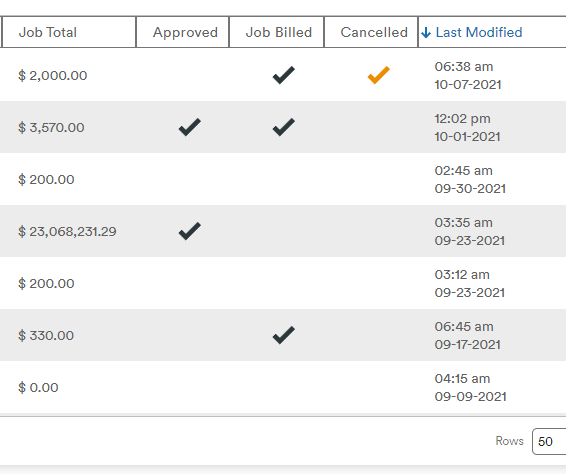
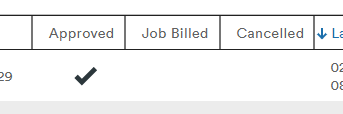
Checking the "Signed by Client & Uploaded" will produce the checkmark in the Approved column
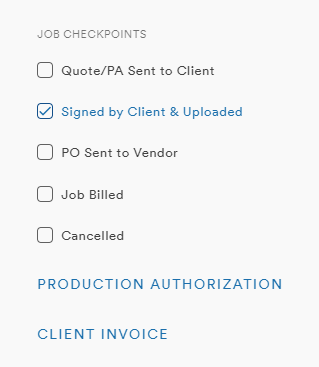
Checking "Job Billed" will produce the checkmark in the Billed column
Checking "Cancelled" will produce the orange checked in the Cancelled column
Comments
0 comments
Please sign in to leave a comment.