
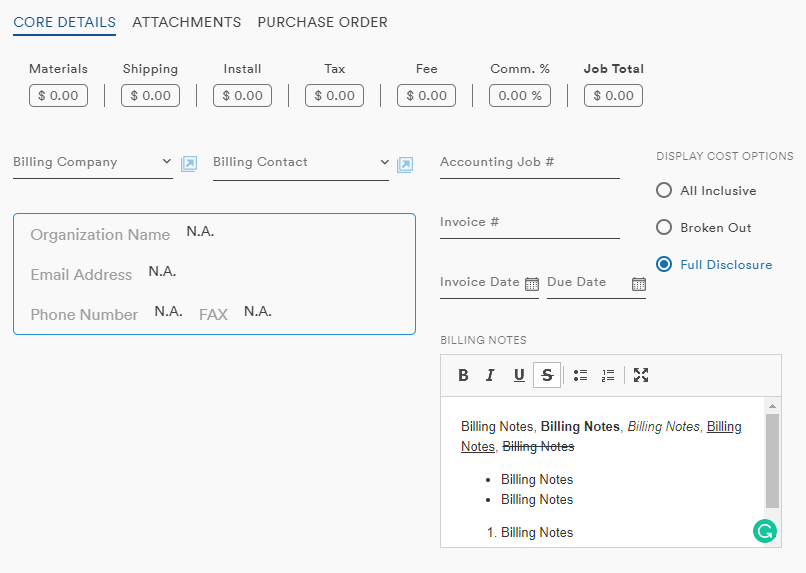
Within each Job record are fields for users to make notes: Billing Notes and Job Notes. These notes fields are rich-text widgets with basic formatting tools and entries up to 2000 characters
Billing Notes
Job Notes
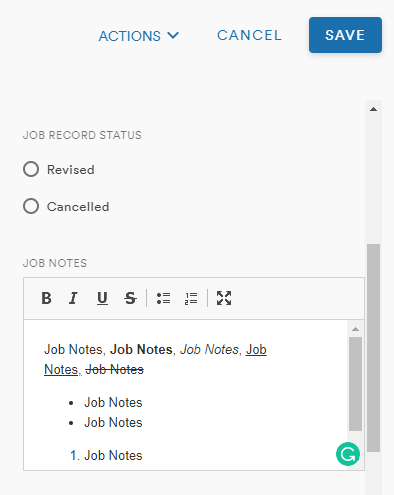
The text tools include:
- Bold
- Italics
- Strike-through
- Bulleted list
- Numbered List
- Maximize
The maximize notes button expands the field to fill the whole window
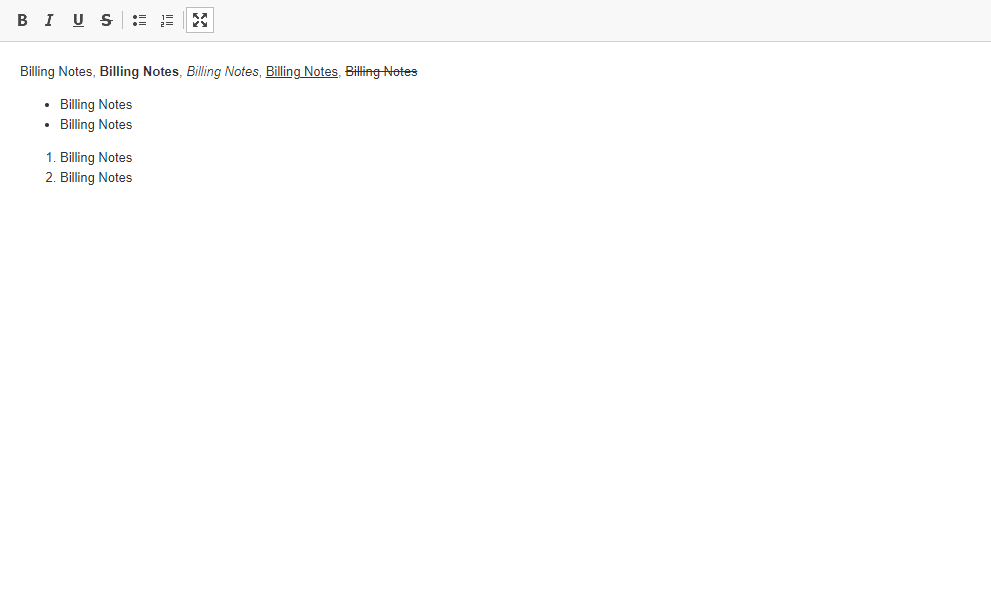
The minimize button in this view reduces the Notes field back to the scrollable window within the Job record
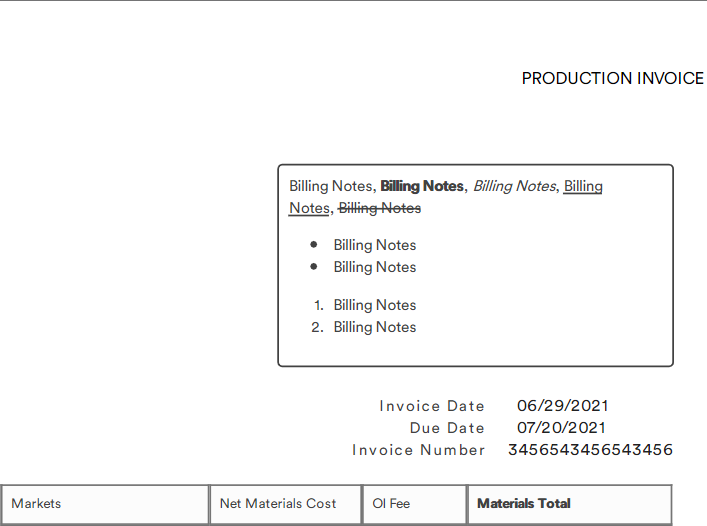
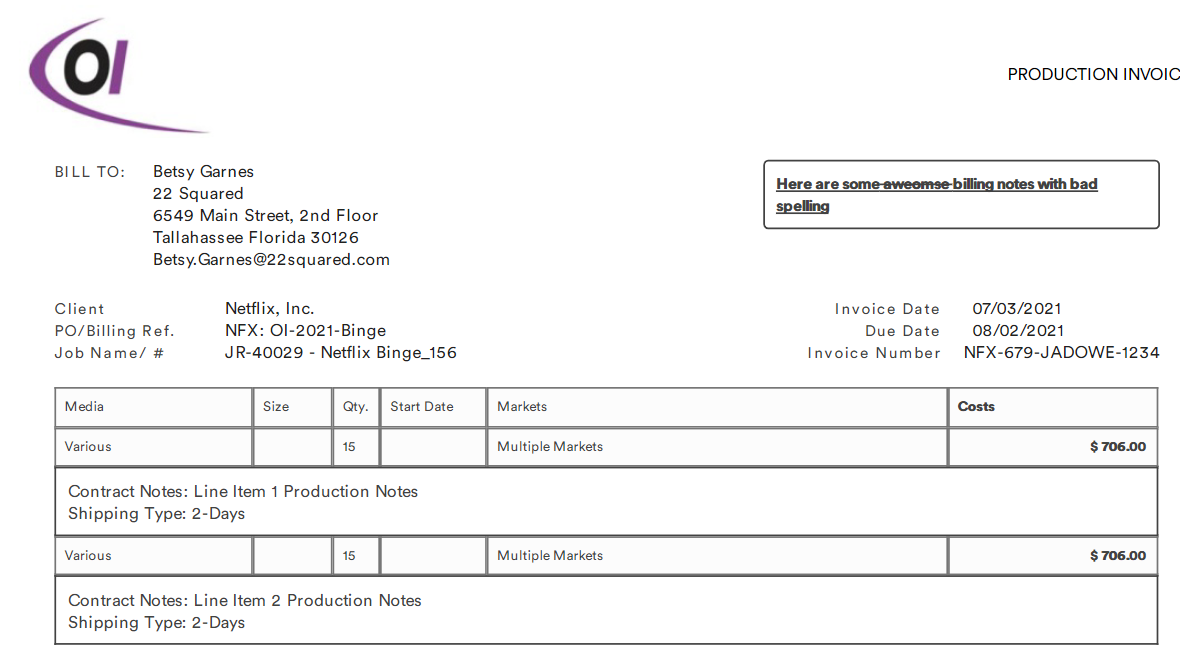
While the Job Notes field is only visible in the Job record, the Billing Notes field will export to the Client Invoice
Line Item Notes
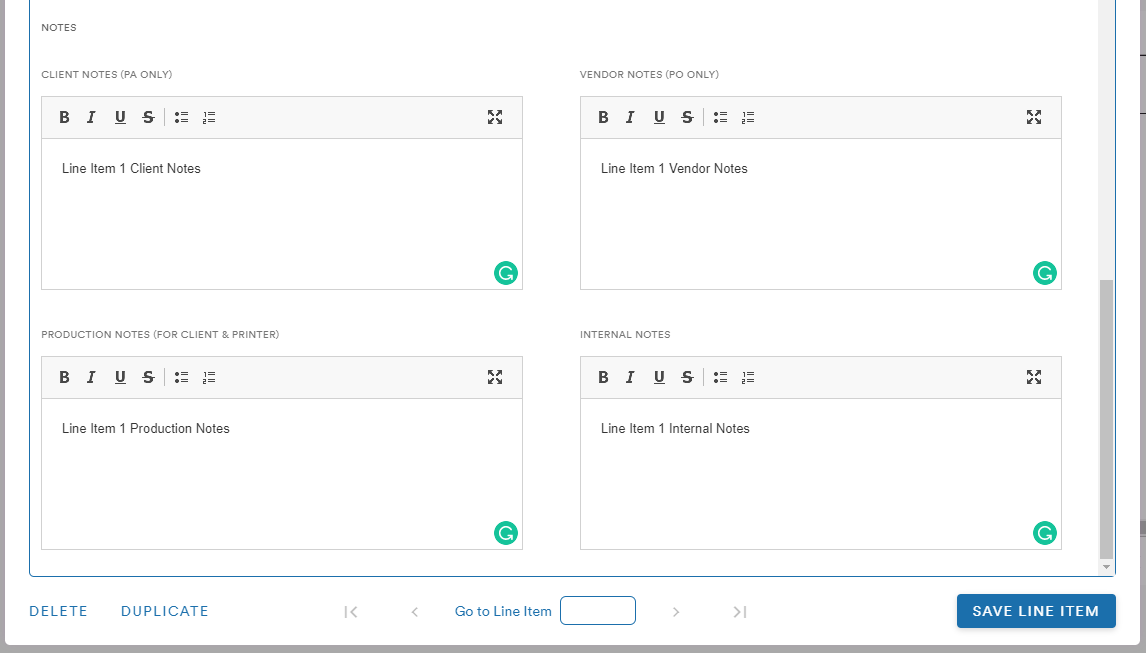
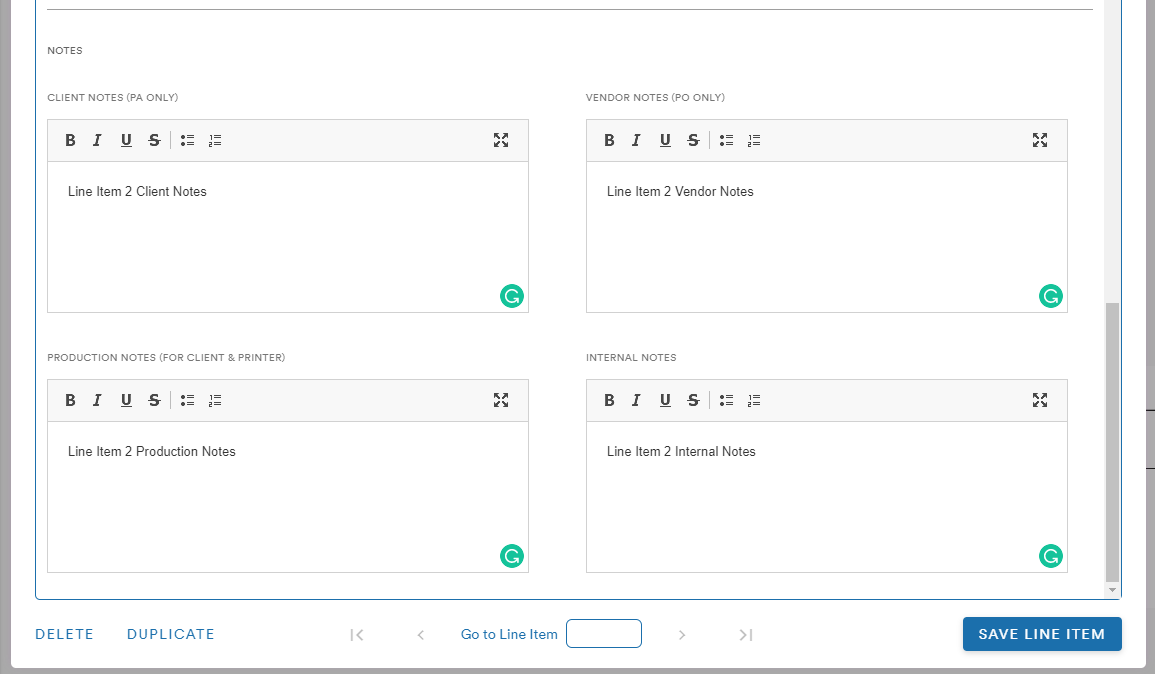
The line items for a Job include several notes fields and specify to whom the note will be visible:
- Client Notes (PA Only)
- Production Notes (for Client & Printer)
- Vendor Notes (PO Only)
- Internal Notes
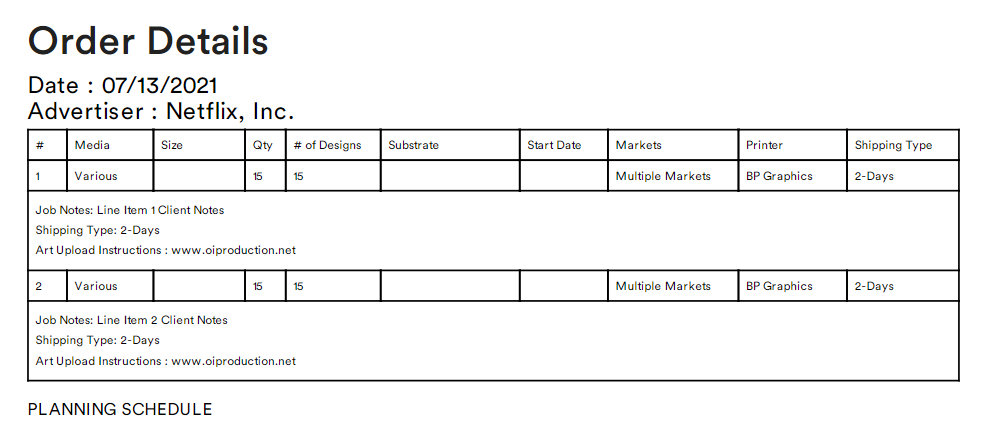
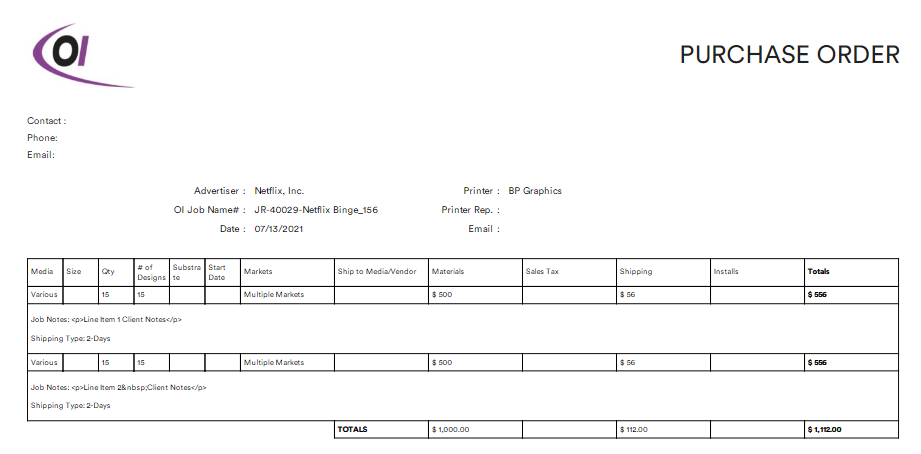
If a Job has multiple line items, the details and notes from each line item will appear as separate rows in the output documents
Output Examples
Production Authorization
Client Invoice
Purchase Order
Comments
0 comments
Please sign in to leave a comment.