
A vital section of a Job record is the Billing field located between the Job Cost Summary and Line Item table and consists of three areas: Billing Contact, Billing Details, and Display Cost Options
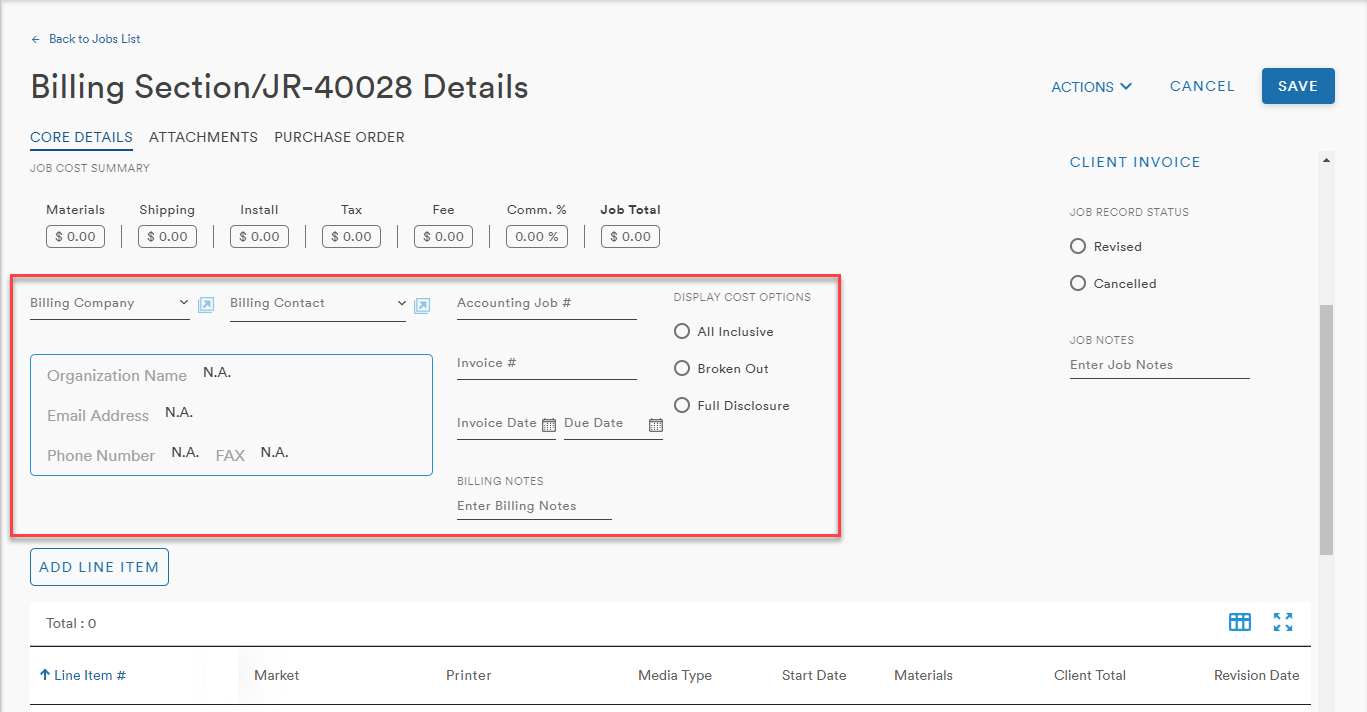
Billing Contact
The user can select their Billing Company from the dropdown menu
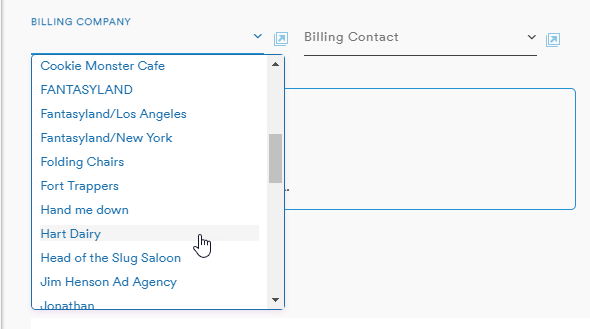
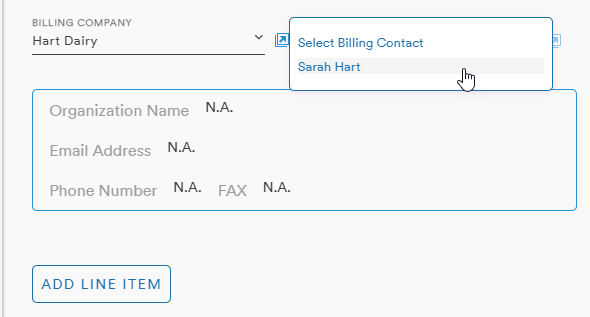
And the contacts associated with that company will populate in the Billing Contact dropdown
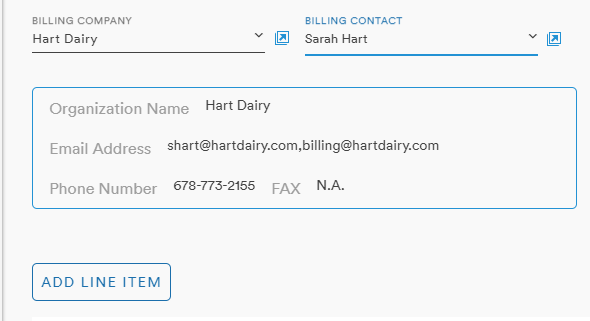
The details field will automatically populate with the appropriate contact information
Billing Details
To the right of the contact fields is Billing details
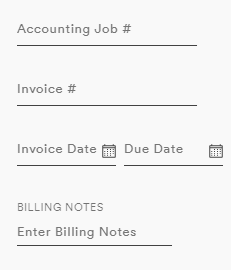
The Accounting Job # and Invoice # fields will accept alpha-numeric entries
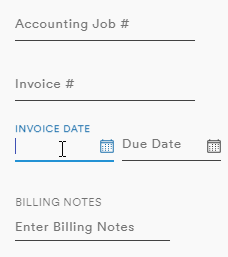
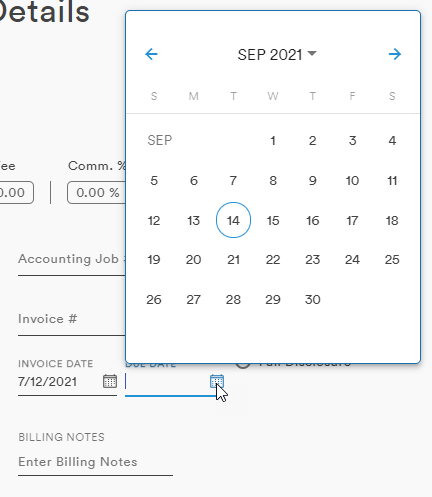
Invoice Date and Due Date can be entered manually in the field or with the date picker which is opened with a click of the calendar icon
The Billing Notes is a text widget with basic formatting tools and entries up to 2000 characters
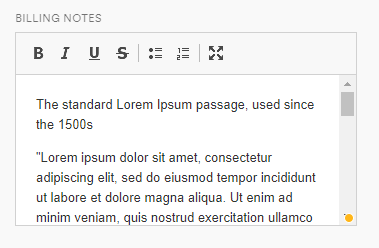
The text tools include:
- Bold
- Italics
- Strike-through
- Bulleted list
- Numbered List
- Maximize
The maximize notes button expands the field to fill the whole window
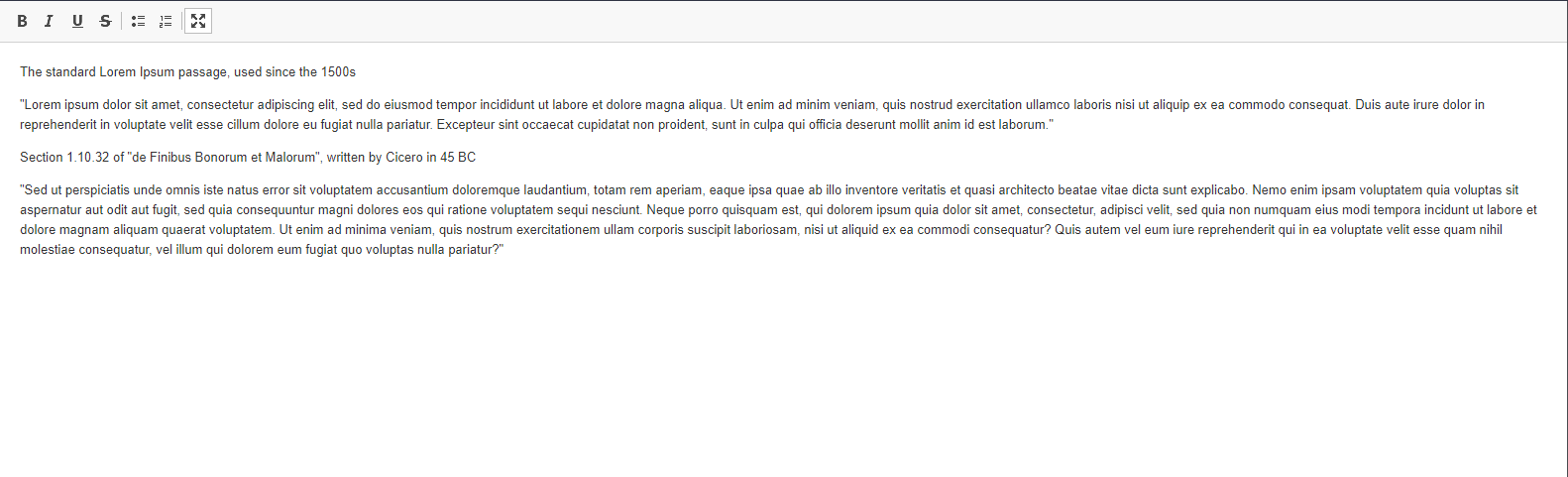
The minimize button in this view reduces the Notes field back to the scrollable window within the Job record
Display Cost Options
There are three Display Cost Options available with radio buttons:
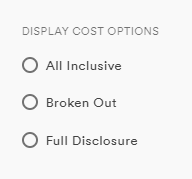
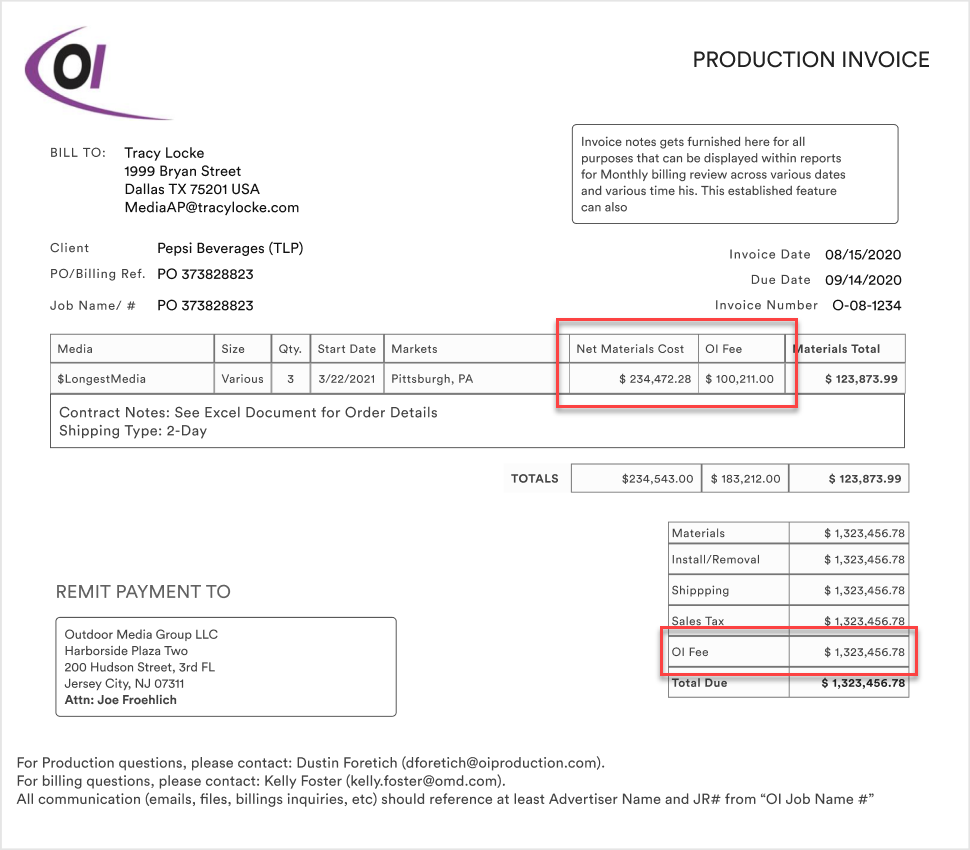
Depending on the selection, the Production Invoice will display the Costs differently
Definitions and Examples
- All Inclusive: Only job total cost with no detail
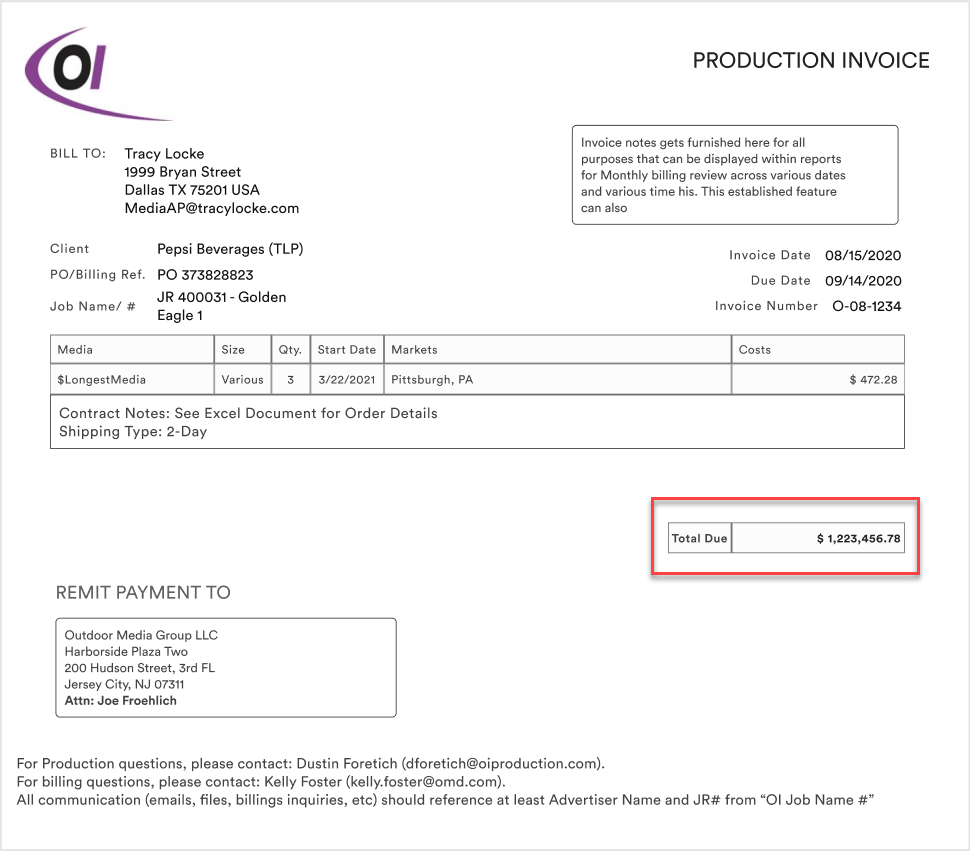
- Broken Out: “Materials” includes OI Fee, but all other costs displayed separately
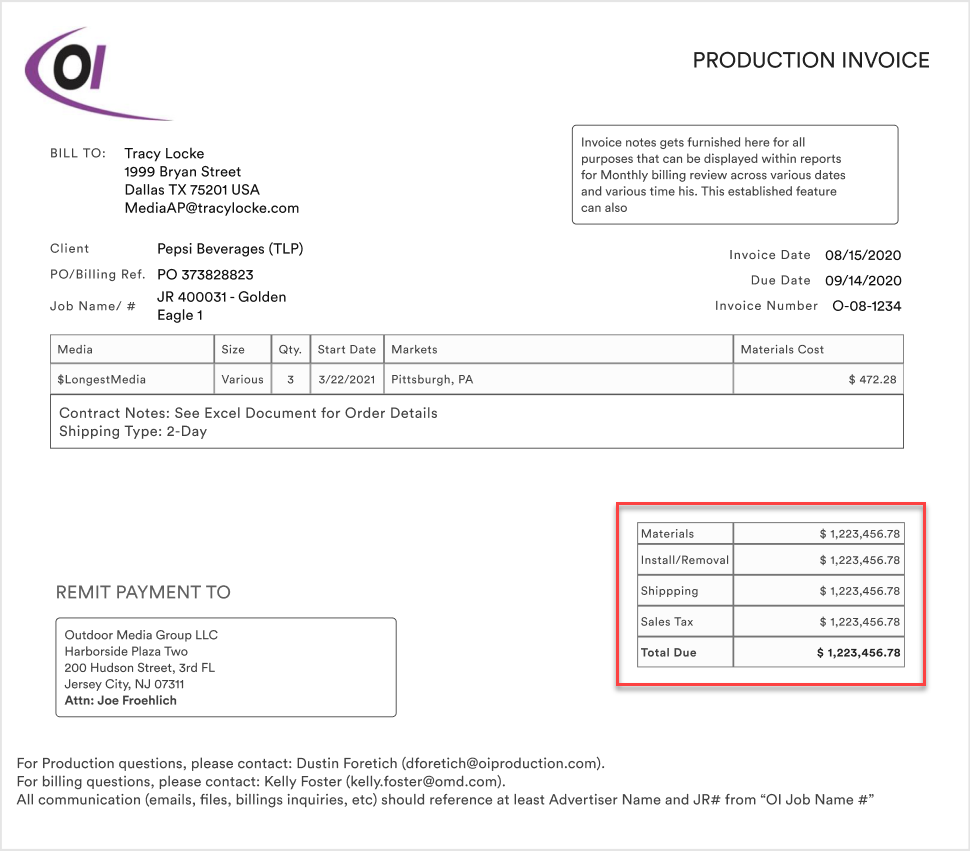
- Full Disclosure: All costs and fees are displayed separately in summary. Materials Cost and OI Fee display in the cost table as well.
Comments
0 comments
Please sign in to leave a comment.